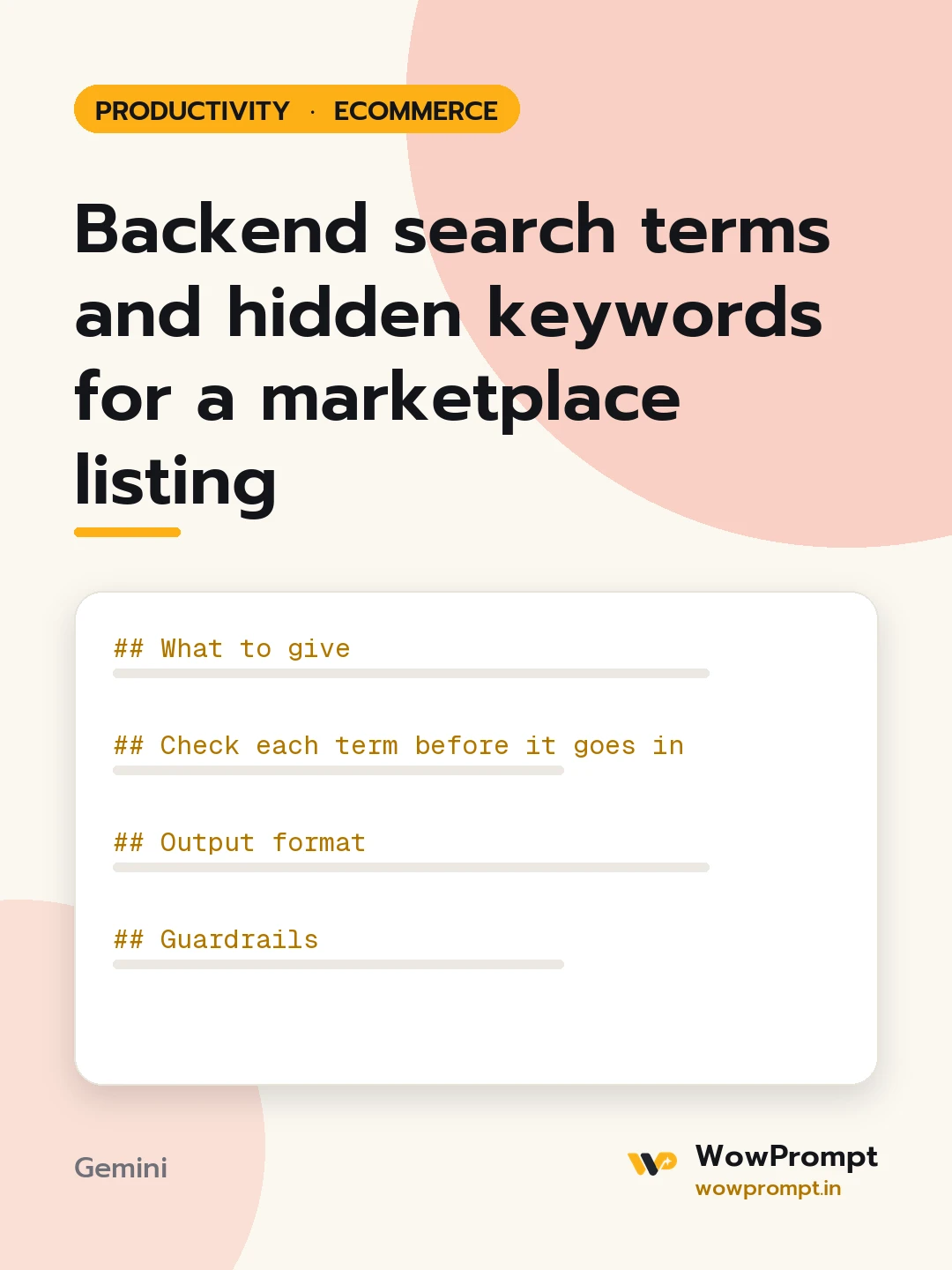
Backend search terms and hidden keywords for a marketplace listing
Builds the hidden search term field for a marketplace product listing from the words buyers actually type, including spelling variants, regional names, uses and occasions, without repeating the title or breaking the marketplace rules. Use it when a listing gets impressions for the wrong searches or does not show up for obvious ones.
The output this prompt produced, unedited.
The prompt
What to give
Marketplace and the field limit: [e.g. 250 bytes for the search terms field]
Product title, bullets and description: [paste]
Words buyers use, from search reports or reviews: [paste, or none]
Regional and local names for the product: [e.g. dhurrie, durrie, cotton rug]
Uses, occasions and who it is for: [e.g. pooja room, Diwali gifting, kids' room]
Words you must not use: [e.g. competitor brands, "best", "cheap"]
Check each term before it goes in
It is not already in the title or bullets.
It is a word a buyer would type, not a marketing phrase.
It is not a brand name the seller does not own.
It is not a subjective claim, a product ID, a price or a temporary word like "sale".
It adds a new meaning: a synonym, a variant spelling, a use or an occasion.
Output format
The final search term string, lowercase, single spaces, no commas, within the limit, with its byte count.
| Term | Type: synonym, spelling, regional, use, occasion | Why it was added |
Terms left out, with the reason.
One line on where else a term belongs, such as a bullet, if it matters more than a hidden field.
Guardrails
Count bytes, not characters, since some marketplaces count bytes.
Mark buyer search volume as unknown unless figures are pasted.
Copy the prompt and paste it into Gemini, then set the aspect ratio to 3:4. No reference photo is needed for this one.
The prompt is written in Markdown with each part under its own heading, which is what the copy action hands over. Change one section at a time, keeping the rest intact, so you can tell which change did the work.