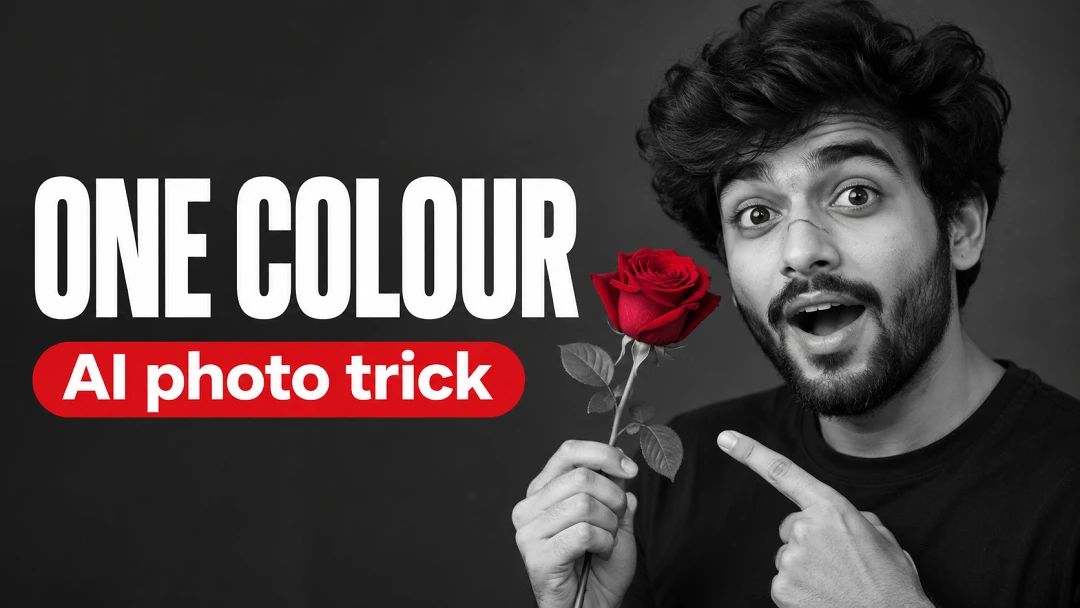
Must hold
One person on the right half, the words on the left half, clear of his face. Readable at small size. The key idea: everything is black and white except one rose.
Text
- "ONE COLOUR"
- "AI photo trick"
Nothing else is written. Spell each line exactly: C-O-L-O-U-R.
Identity
With a photo attached: the person in the photo is the subject. Keep their face exactly as it is, with bone structure, eye shape and spacing, nose, lips, jawline, hairline, skin tone and apparent age all unchanged, and keep their own body: build, height and proportions, shoulders, arms, hands and legs, with the same skin tone on face, neck, arms and hands. Use the photo only for who the person is. Ignore its pose, expression, clothing, hairstyle, background, framing and light, and rebuild all of them exactly as described below, even when the photo shows them standing straight or dressed differently.
The picture
He is chest-up on the right, body angled left, eyebrows raised, mouth open in surprise, eyes on the camera. His right hand holds one long-stemmed rose up beside his cheek; his left points at it. A plain black t-shirt, a dark grey wall. "ONE COLOUR" in huge heavy condensed white capitals on the left, "AI photo trick" below in a red pill-shaped band with white lettering.
Technical
Hard soft-box light from the left, deep blacks, a crisp face. Everything is a true black and white photograph except the rose and the red band, which stay a true red.