Logline
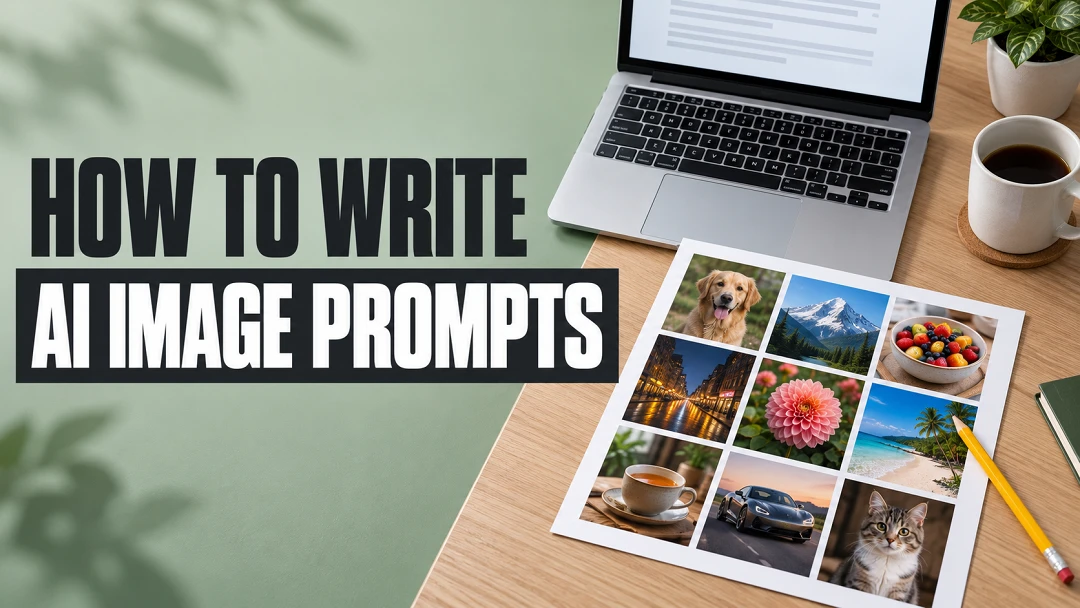
A 16:9 blog thumbnail with no people: a tidy desk seen from above at an angle, a laptop and a printed photo grid on the right, the title set large on the left.
Text
- "HOW TO WRITE"
- "AI IMAGE PROMPTS"
Nothing else is written anywhere. Spell each line exactly.
Set
A light oak desk on a flat cool sage-green background that fills the left half for the type. On the right, an open silver laptop angled toward the camera, its screen showing a plain white page with a few grey blurred lines and no readable words.
Props
In front of the laptop, a printed matte sheet with a three-by-three grid of photos: a portrait, a mountain, a bowl of fruit, a city street at night, a flower, a beach, a cup of tea, a car and a cat, each a clean small square with true natural colour. A yellow pencil lies diagonally across one corner of the sheet, and a small white ceramic mug sits behind it.
Type
"HOW TO WRITE" in heavy charcoal condensed sans serif capitals on the upper left. "AI IMAGE PROMPTS" below it, larger, in white capitals on a solid charcoal band. Text never covers the laptop or the photo grid.
Lens and grade
50mm at f/5.6 from about 35 degrees above, the grid and laptop sharp. Soft cool daylight from the left with gentle shadows, natural true-to-life colour, crisp type readable at phone size.