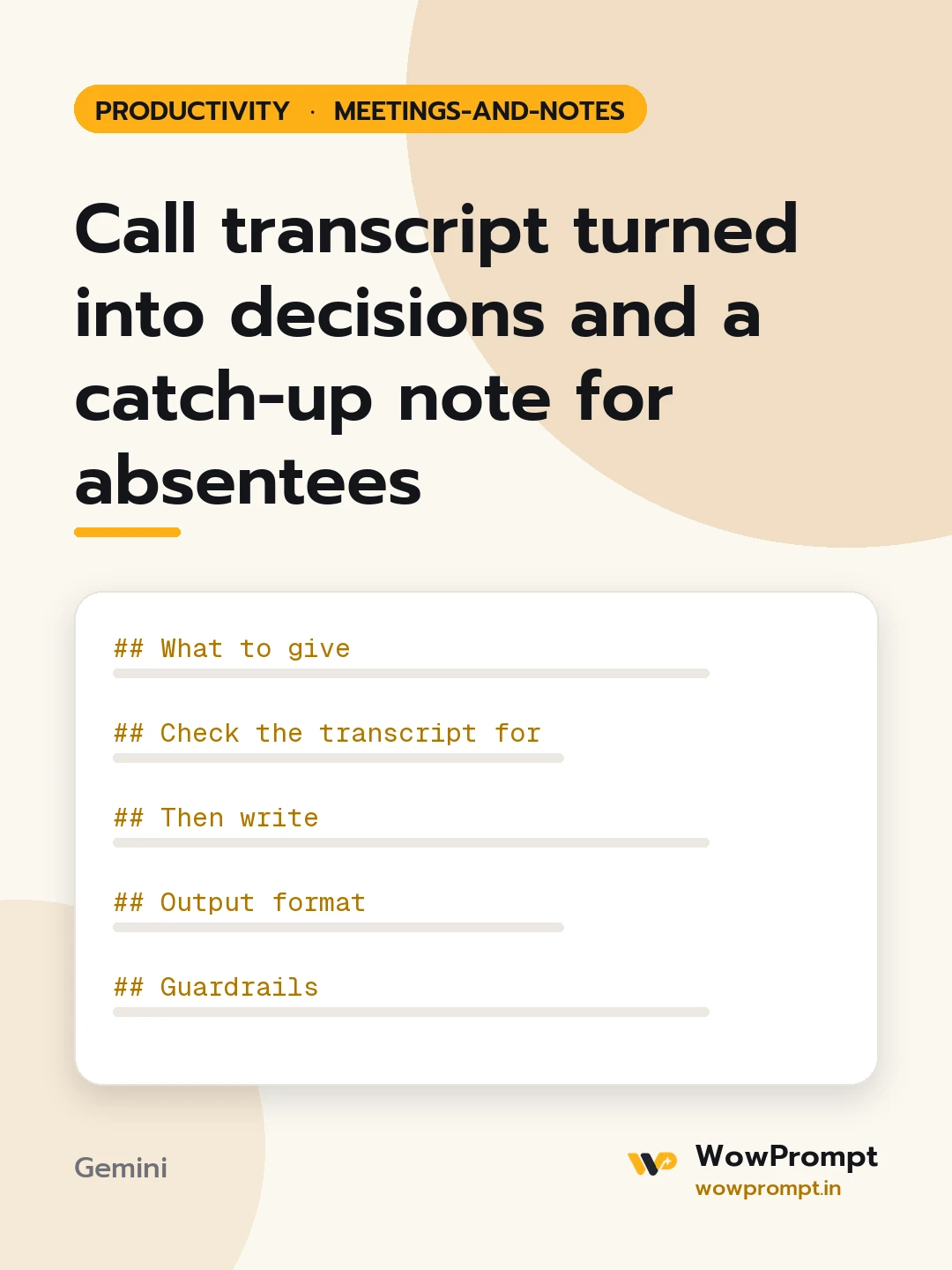
Call transcript turned into decisions and a catch-up note for absentees
Reads an auto-generated transcript of a recorded call, with speaker labels, filler words and crosstalk, and pulls out what matters: the decisions actually agreed, action items with owners and dates, questions left open, and points of disagreement. It then writes a short catch-up note for people who missed the call. Use it after any meeting that was recorded but that nobody wants to rewatch.
The output this prompt produced, unedited.
The prompt
What to give
The transcript: [paste it with speaker names or labels and timestamps if available]
Meeting purpose and date: [e.g. weekly launch sync, 30 October]
Who attended and who missed it: [names and roles]
Any known deadlines: [e.g. launch on 5 November]
Check the transcript for
Decisions: only things clearly agreed, with the timestamp and who confirmed it. A suggestion nobody agreed to is not a decision.
Action items: who said they would do what, and by when. If no date was said, mark it [NO DATE].
Open questions: raised but not answered.
Disagreements: where two people held different views and it was not settled; state both views fairly in one line each.
Numbers, names and dates: copy them exactly as spoken and mark any that sound unclear as [CHECK].
Then write
A three-line summary of what the meeting achieved.
A catch-up note for each person who missed it, under 80 words, telling them only what affects them and what they now own.
Output format
Summary.
| Decision | Timestamp | Confirmed by |
| Action | Owner | Due | Source timestamp |
Open questions and disagreements as two short lists.
The catch-up notes, one per absentee.
Guardrails
Use only the transcript; never fill a gap with a guess.
Ignore filler, jokes and side talk unless they contain a decision or a task.
meeting transcript summarydecisions and action itemsmeeting notes from transcriptcall summaryaction item listmeeting recap emailtranscript to notes
How to run this
Copy the prompt and paste it into Gemini, then set the aspect ratio to 3:4. No reference photo is needed for this one.
The prompt is written in Markdown with each part under its own heading, which is what the copy action hands over. Change one section at a time, keeping the rest intact, so you can tell which change did the work.