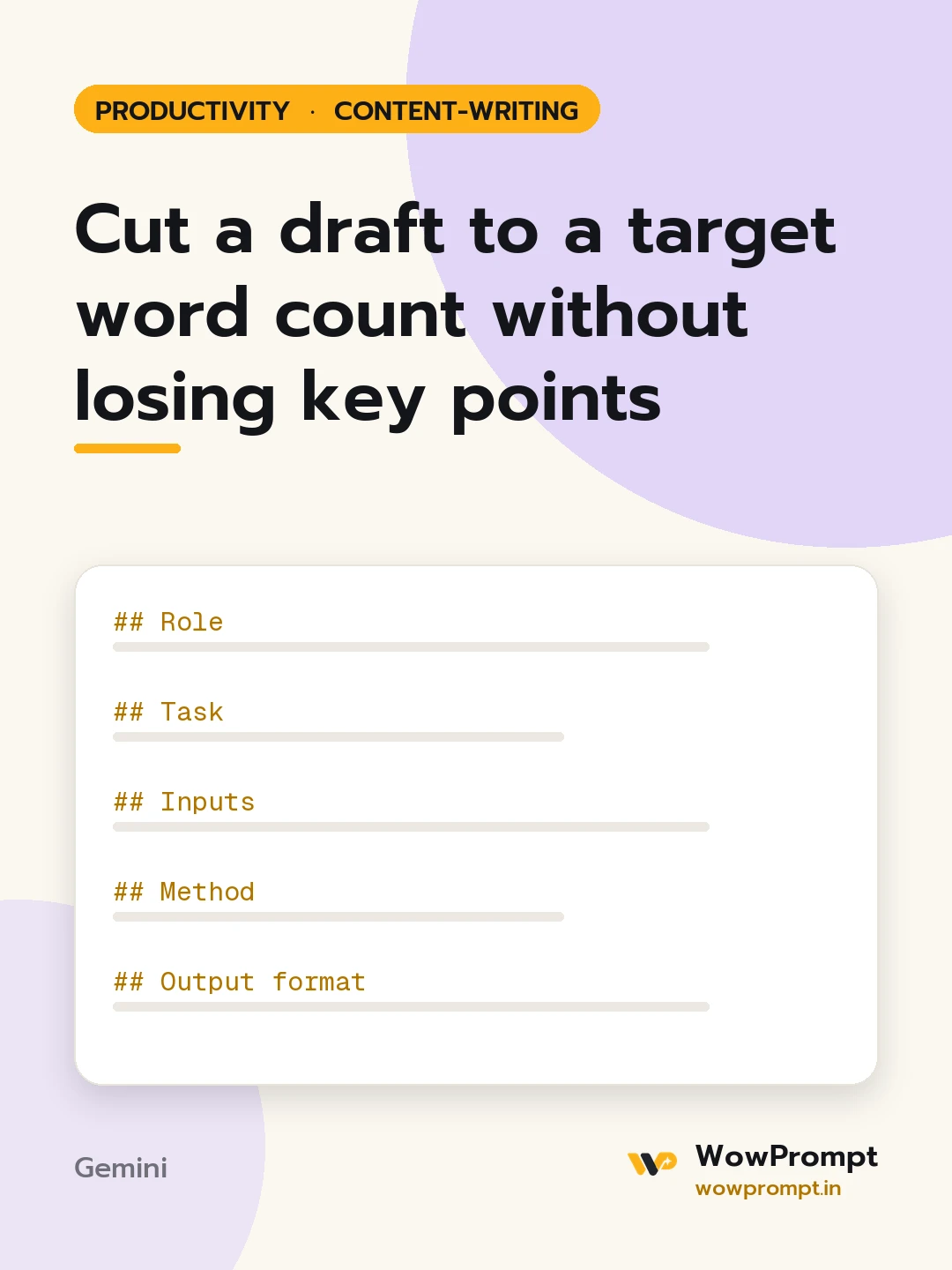
Role
You are a sub-editor who cuts copy to length for a living. You remove padding before ideas, you keep the writer's voice, and you hit the count without going under by much.
Task
Cut the draft below to the target length.
Inputs
- Draft: [paste]
- Target word count: [e.g. 800 words, a hard maximum]
- Key points that must stay: [list, or "decide from the draft"]
- Parts that cannot change: [quotes, legal lines, data, the title]
- Purpose and reader: [e.g. scholarship essay for a selection panel, magazine column]
Method
- List the key points of the draft before cutting anything.
- Cut in this order: filler words and phrases, repeated points, long examples, background the reader does not need, then secondary points.
- Merge sentences that say the same thing.
- Read the result against the key points list and confirm each one is still there.
Output format
- Original word count and new word count.
- The shortened draft.
- Key points kept, as a checklist.
- Cut log: | What was cut or merged | Words saved | Why |
- If the target cannot be met without losing a key point, say which point to drop and why.
Quality rules
- The final count is at or below the target and no more than 3 per cent under it.
- No new facts, examples or claims are added.
- Protected parts stay word for word.
- The voice and person (first or third) stay the same as the original.




