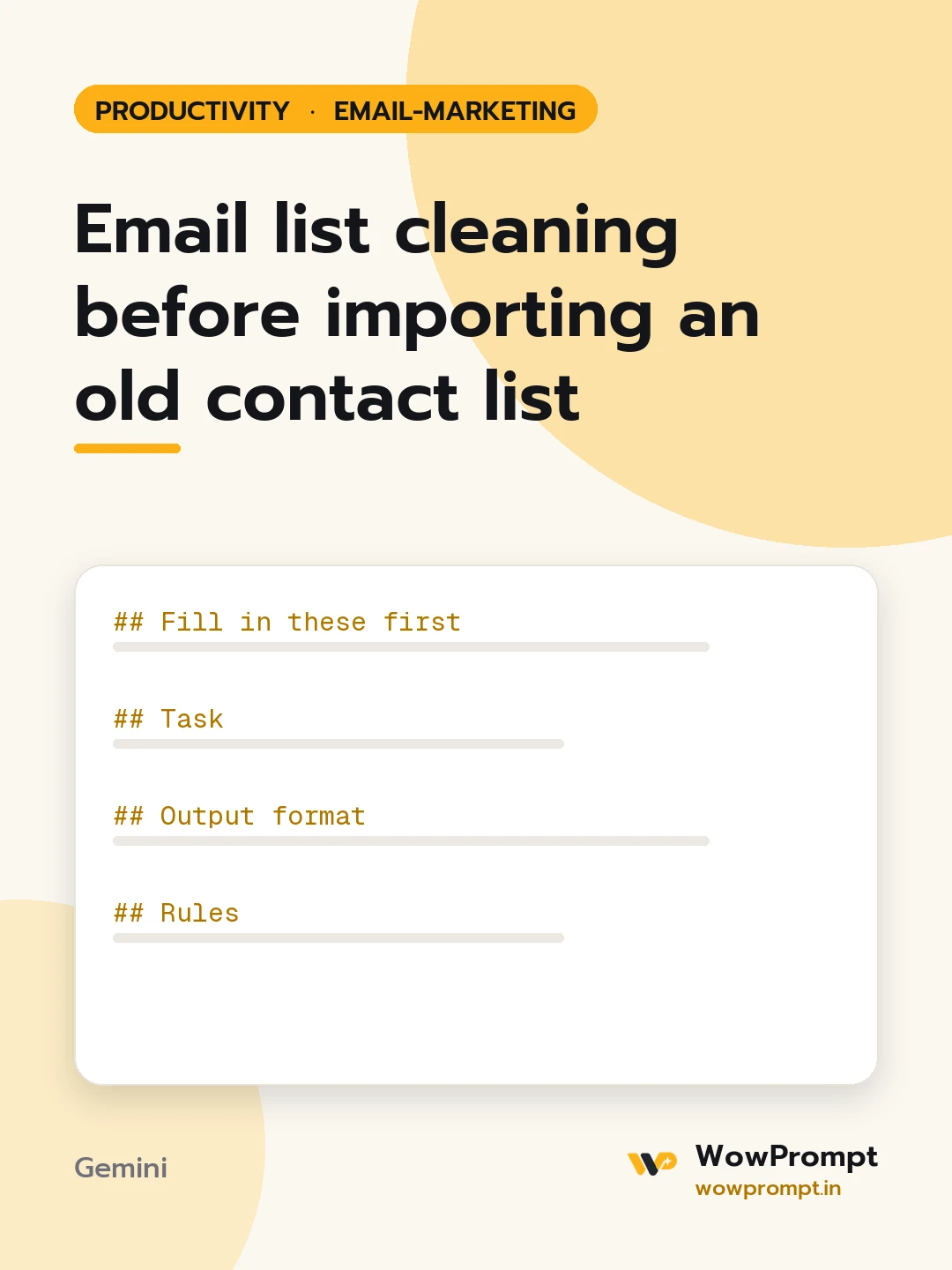
Fill in these first
- Sample of the file: [paste 30 to 100 rows with headers; mask real names if you prefer]
- Total rows: [e.g. 12,400]
- Where the contacts came from: [e.g. old newsletter tool, trade fair scans, website orders]
- Consent record available: [e.g. signup date and source column, or none]
- Last time this list was emailed: [e.g. 18 months ago]
- Fields the new platform needs: [e.g. email, first name, city, signup source, consent date]
Task
Prepare this list for a safe import.
Output format
- | Problem | Rows affected in sample | Example | Action |, covering: duplicates, invalid syntax, domain typos such as gmial.com, role addresses such as info@ or sales@, disposable domains, missing consent, no activity in two years.
- Three groups with the rule for each:
- import now
- send one re-permission email first
- do not import
- Column map from the old headers to the new fields, with formats to fix such as dates and phone numbers.
- A short re-permission email: subject, three-line body, one confirm button text.
- Steps after import: suppress bounces from the first send and remove non-confirmers after 14 days.
Rules
- Contacts with no consent evidence are never added straight to marketing sends.
- Report counts only for the rows given and estimate the full file in a range.
- Do not repeat personal data from the sample in the answer beyond masked examples.




