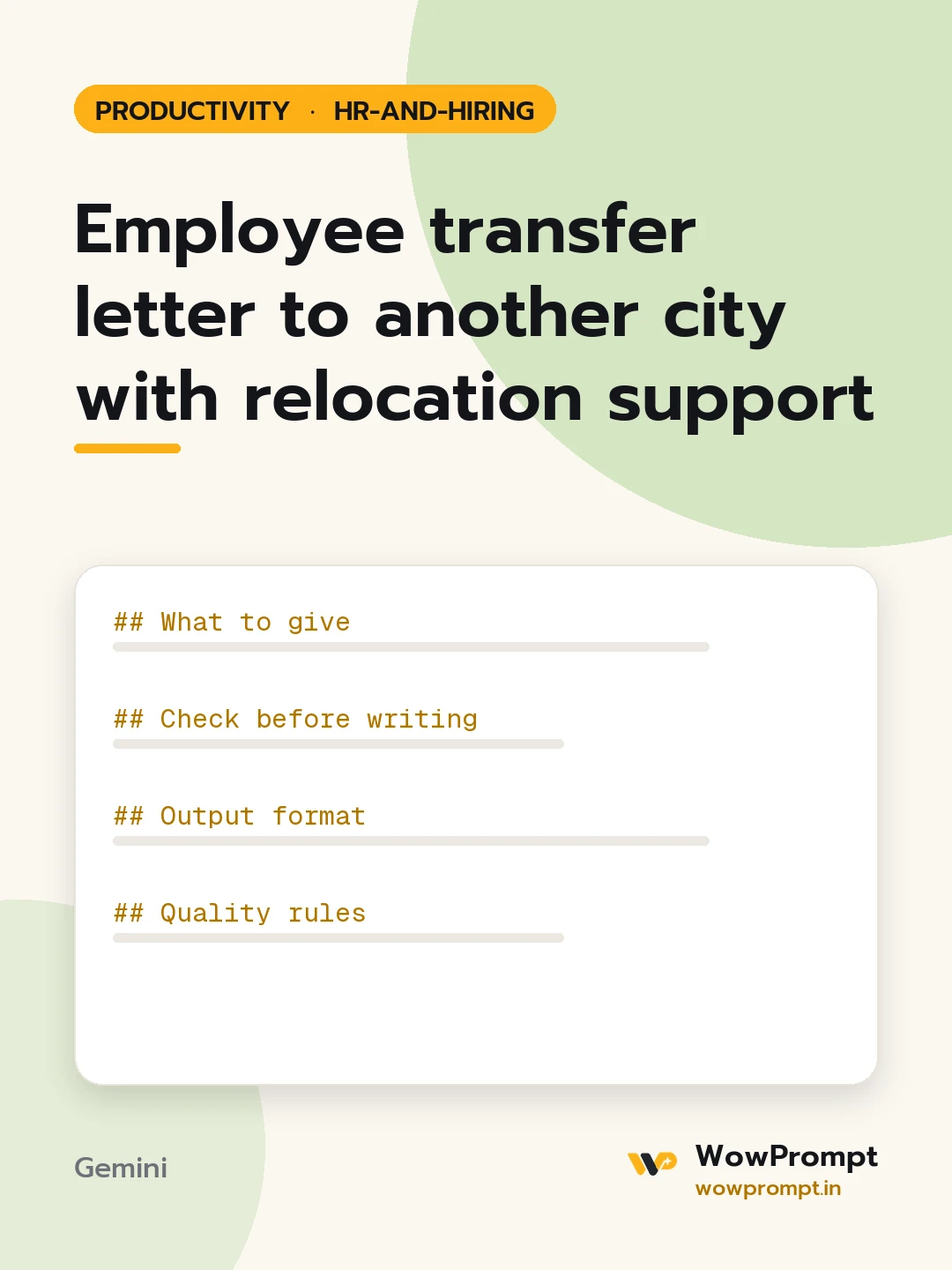
Employee transfer letter to another city with relocation support
Prepares a transfer of an employee to another branch or city: a check of what must be decided first, the transfer letter with joining date and relocation support, and a short settling-in plan for the first two weeks. Use it for branch moves, project relocations or an employee's own request to move closer to family.
The output this prompt produced, unedited.
The prompt
What to give
Employee name, role and current location: [e.g. [Name], sales manager, Pune]
New location, reporting manager and start date: [paste]
Reason for the transfer: [e.g. company need, or the employee's own request]
Relocation support in the policy: [e.g. travel, goods shifting, temporary stay days, settling allowance]
Change in pay or allowances, if any: [e.g. city allowance updated]
Check before writing
The employee has agreed in writing, or the contract allows the company to transfer.
Pay, allowances, leave balance and service period carry over without a break.
Notice before the start date is reasonable for a family move.
Payroll, attendance, tax records and access cards move with the employee.
Output format
Any gap from the checks, flagged at the top.
Transfer letter: date, new location and manager, start date, unchanged terms, changed terms, relocation support as | Item | Limit | How to claim |, and an acceptance line to sign.
A two-week plan: a local buddy, first meetings, office set-up, and a check-in on day 10.
Quality rules
Neutral, respectful tone; never imply the move is a penalty.
Only the support amounts listed in the policy.
transfer letteremployee relocationbranch transferrelocation policyinternal transferhr letters
How to run this
Copy the prompt and paste it into Gemini, then set the aspect ratio to 3:4. No reference photo is needed for this one.
The prompt is written in Markdown with each part under its own heading, which is what the copy action hands over. Change one section at a time, keeping the rest intact, so you can tell which change did the work.