wowprompt

Esports player in a dark arena with cool RGB light

A pro-player portrait on stage in a dark esports arena: headset round the neck, team-style jersey with no logos, cool blue and violet light. For a gamer profile or stream banner crop. Works with your own photo.

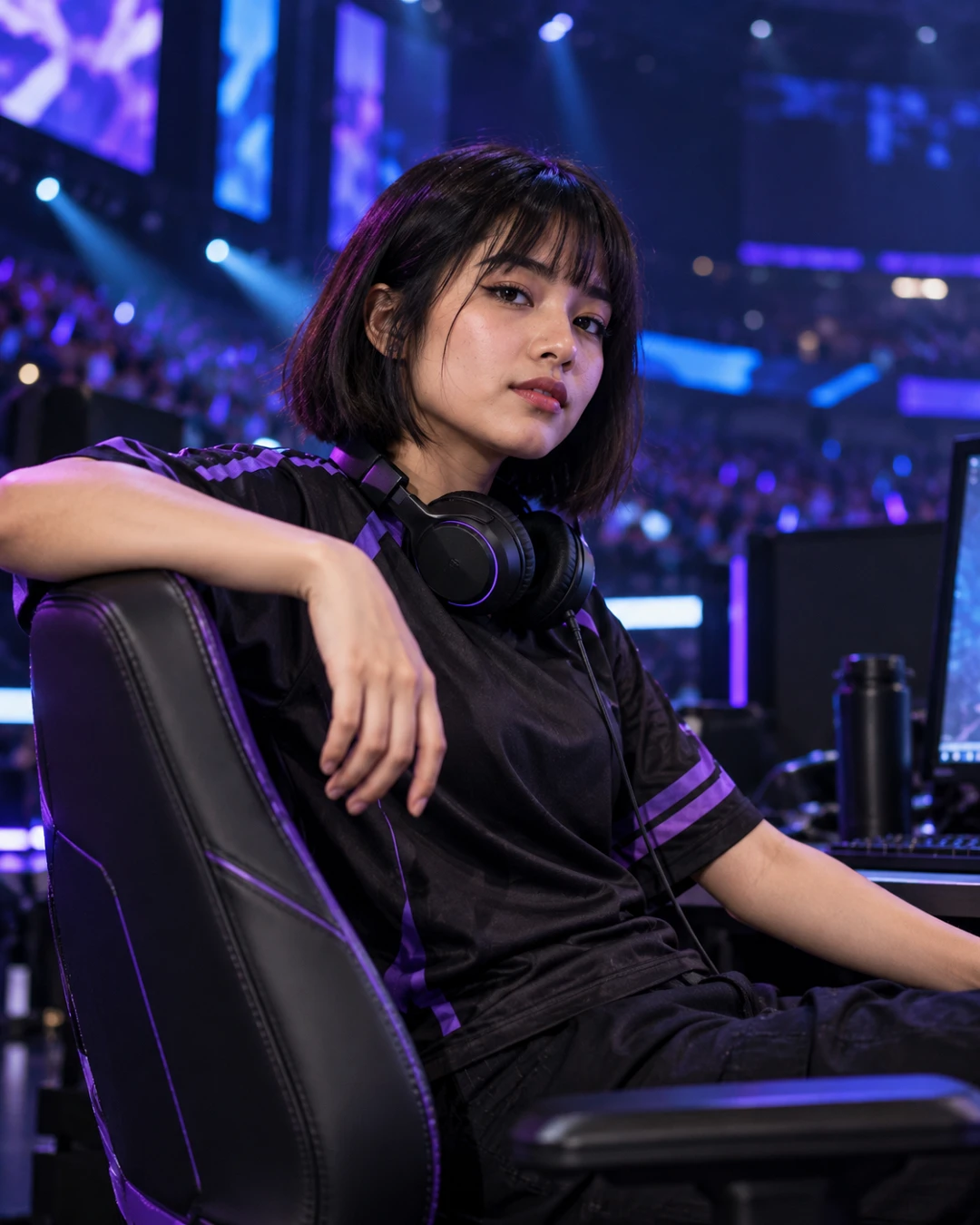
A young woman in a black jersey with a headset around her neck sitting at a gaming desk on a dark stage lit in cool blue and violet
The output this prompt produced, unedited.
Works with or without your photo.

Optional. Attach a clear, front-facing photo to keep your own face. Without one, the prompt creates an original person.

The prompt

Must hold

One player, face sharp and well lit despite the dark stage. No real team, game or sponsor logos anywhere.

Identity

With a photo attached: the person in the photo is the subject. Keep their face exactly as it is, with bone structure, eye shape and spacing, nose, lips, jawline, hairline, skin tone and apparent age all unchanged. Only the clothing, pose, setting and light come from this prompt.

The picture

She sits sideways on a gaming chair at a stage desk, one arm over the backrest, turned to the lens with a cool, confident look. A black jersey with violet sleeve stripes and a plain chest, closed-back headset around her neck. Behind: a dark arena, stage LED panels in blue and violet, blurred crowd glow.

Technical

A soft cool key from the front, violet rim from behind. 50mm at f/1.8. Deep blacks, cool blue and violet, true skin, real texture.


Negative prompt

logos, sponsor text, game titles, airbrushed skin, plastic skin, waxy face, changed face, orange tones, distorted hands, extra fingers, watermark

esports portraitgamer photogaming portraitpro gamerstream profilergb lighting

How to run this

Copy the prompt and paste it into GPT Image, then set the aspect ratio to 4:5. Upload your reference photo before pasting, not after: a model that has already started without it will invent a face instead of keeping yours.

The prompt is written in Markdown with each part under its own heading, which is what the copy action hands over. Change one section at a time, keeping the rest intact, so you can tell which change did the work.

Related prompts

All image