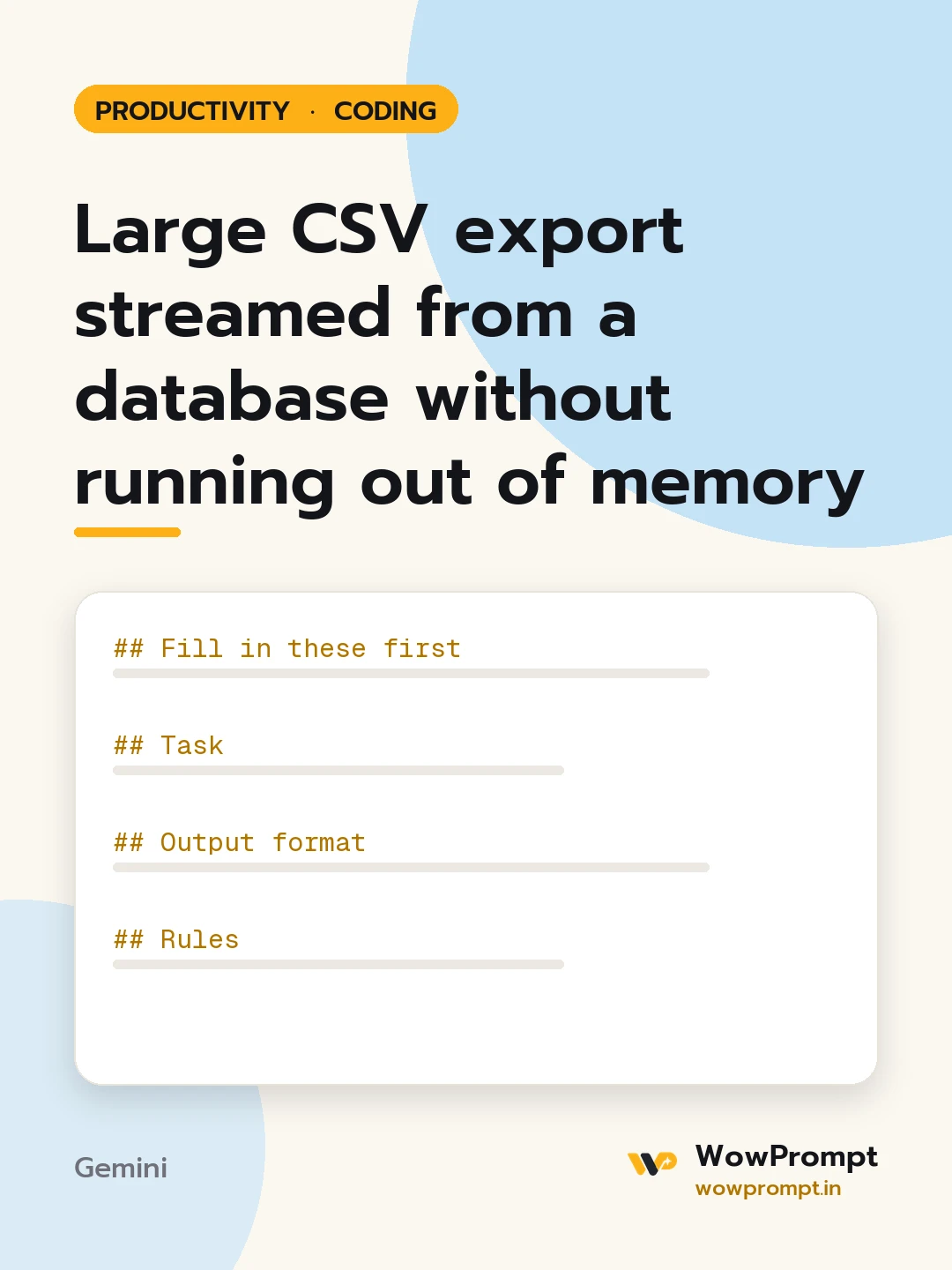
Fill in these first
- Language, framework and database: [e.g. PHP 8.3 with PDO and MySQL, or Python with FastAPI and PostgreSQL]
- Table or query to export: [paste the query or table and columns]
- Filters users can choose: [e.g. date range, status]
- Expected size: [e.g. up to 500,000 rows]
- Who may export: [e.g. admin role only]
- Hosting limits: [e.g. 60-second request timeout, 256 MB memory]
Task
Write an export that uses steady, low memory however many rows there are.
Output format
- The endpoint code with comments: permission check, filter validation, headers, then a loop that reads a batch, writes it, and flushes.
- Keyset pagination for the batches (WHERE id > last id) rather than OFFSET, with the reason in one line.
- CSV writing with a UTF-8 byte order mark so Excel opens Indian language text correctly.
- Protection against formula injection: cells starting with =, +, - or @ are prefixed.
- A background job version for exports that would pass the request timeout: create the file, notify, and give an expiring download link.
- A test plan: empty result, one row, a very large result, and special characters.
Rules
- Prepared statements for every filter; no string-built SQL.
- Never load the full result into an array.
- Log who exported what and when, without logging the data.




