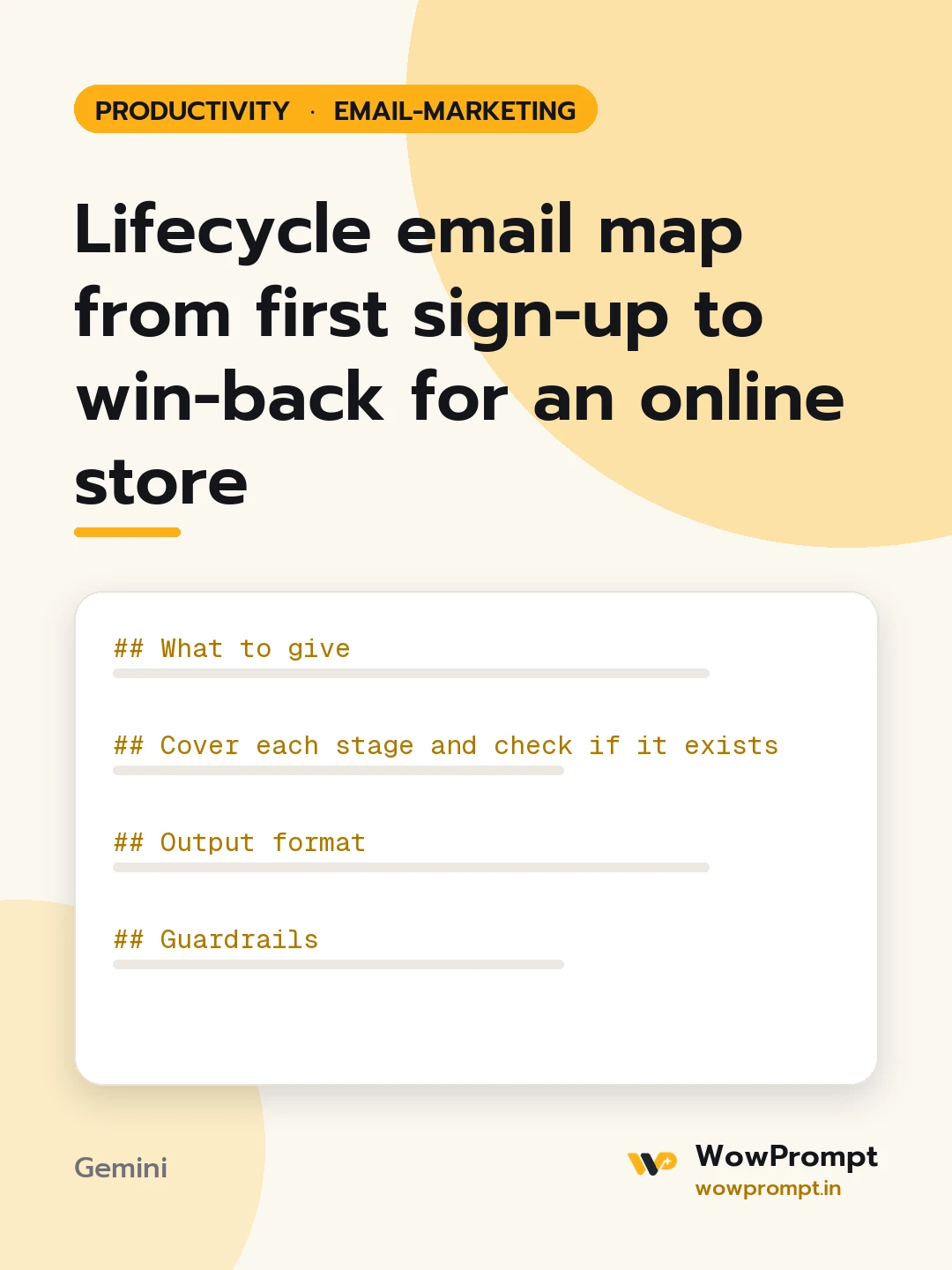
Lifecycle email map from first sign-up to win-back for an online store
Maps every automated email an online store should run, from sign-up and first order through repeat purchase, lapse and win-back, with the trigger, the delay, the exit rule and the one goal of each email, then marks which ones the store already has and which to build first. Use it when a store has a few separate automations and no picture of the whole customer journey by email.
The output this prompt produced, unedited.
The prompt
What to give
Store and what it sells: [e.g. a handmade soap and skincare brand]
How often a typical customer reorders: [e.g. every 6 to 8 weeks]
Email tool: [e.g. any tool that supports triggers and segments]
Automations already running: [list, or none]
Data available for triggers: [e.g. sign-up date, orders, products viewed, cart, last open]
Cover each stage and check if it exists
Welcome after sign-up, before any order.
Browse and cart abandonment.
Order confirmation and shipping updates.
Post-delivery: how to use the product, then a review request.
Second purchase push for first-time buyers.
Replenishment reminder timed to the reorder cycle.
Loyalty and milestone emails.
Lapse warning when a customer passes their usual reorder gap.
Win-back after a longer gap.
Sunset: stop emailing people who never open, to protect deliverability.
Output format
| Stage | Email | Trigger | Delay | Goal | Exit rule | Exists: yes or no |
Overlap rules: which flows pause others, so nobody gets three emails in a day.
The five flows to build first, in order, with the reason for each.
One metric to watch per flow.
Guardrails
Every flow has an exit rule, such as "stops when an order is placed".
No flow sends to people who have not given consent for marketing emails; transactional emails stay transactional.
Copy the prompt and paste it into Gemini, then set the aspect ratio to 3:4. No reference photo is needed for this one.
The prompt is written in Markdown with each part under its own heading, which is what the copy action hands over. Change one section at a time, keeping the rest intact, so you can tell which change did the work.