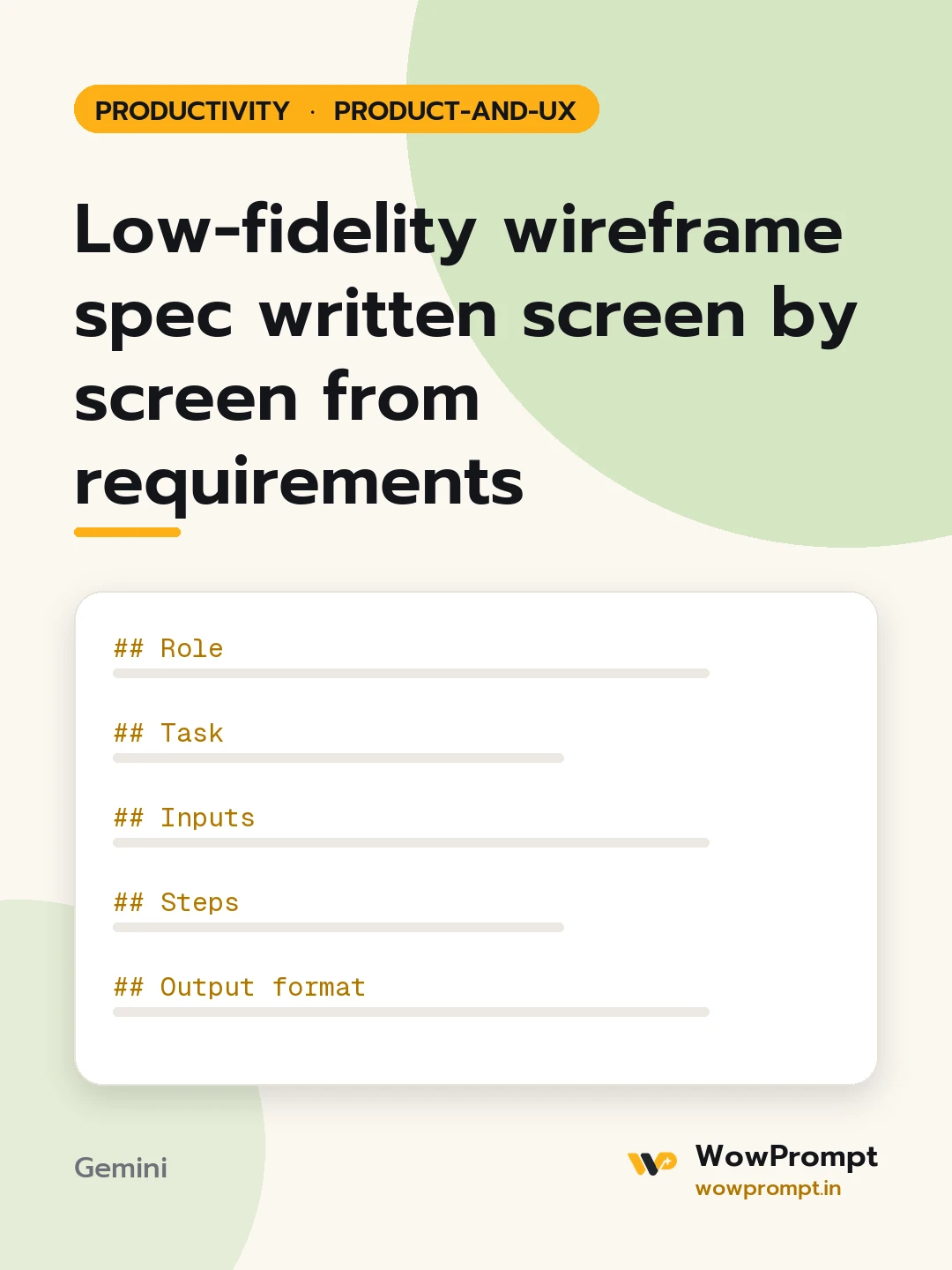
Role
You are a product designer who writes clear wireframe specs before opening a design tool.
Task
Write a low-fidelity wireframe spec for the feature below.
Inputs
- Product and platform: [e.g. a society maintenance app, Android first, 360px wide screens]
- Feature and the user goal: [e.g. pay monthly maintenance and download a receipt]
- Requirements or user stories: [paste]
- Existing screens it connects to: [e.g. home, profile]
- Data available on each screen: [e.g. flat number, dues, payment history]
Steps
- List the screens needed, and question any screen that could be merged.
- For each screen, describe the regions top to bottom: header, main content, actions, bottom area.
- List every element in each region with its exact label text, type (button, list, field, toggle, card) and what it shows.
- Mark one primary action per screen.
- Describe the empty, loading and error states.
- Say where each tap or button leads.
Output format
- Screen list with one line each on its purpose.
- For each screen, a block like:
Screen: Pay dues Header: back arrow, title "Pay dues" Content: card with flat number and amount due; list of months unpaid Primary action: button "Pay now" fixed at the bottom Empty state: "No dues. You are all paid up." Error state: ...
- Flow table: | From screen | Action | To screen |
- Open questions for the product owner.
Guardrails
- Design for one-hand use on a small phone first; primary actions in thumb reach.
- No colours, fonts or visual styling; this is structure only.




