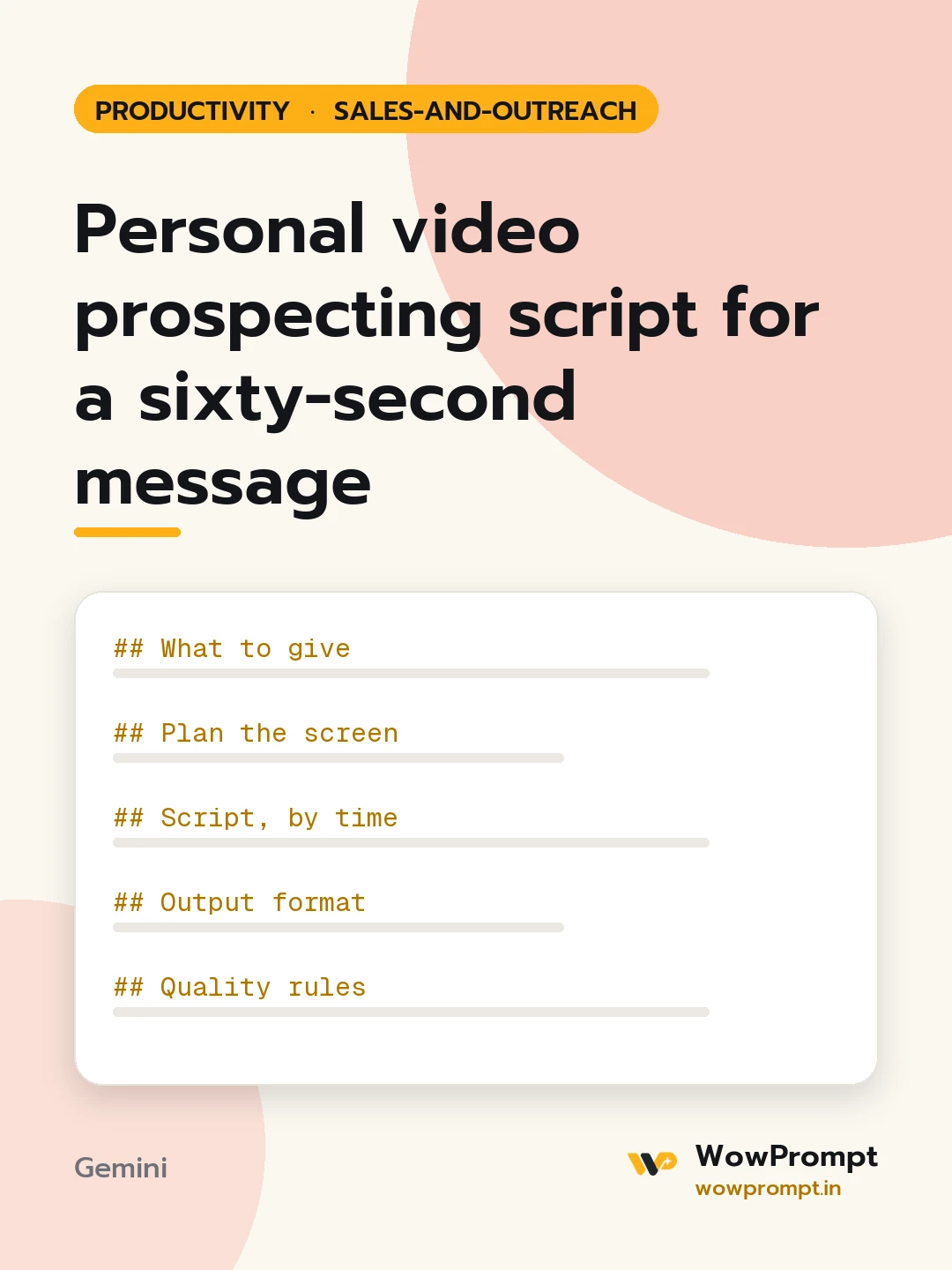
Personal video prospecting script for a sixty-second message
Writes a script for a short personalised video sent to one prospect by email or LinkedIn, with what to show on screen, a first line that proves it was made for them, one point of value and a small ask, plus the email that carries the video. Use it for high-value prospects who ignore text emails and for warm leads who went quiet.
The output this prompt produced, unedited.
The prompt
What to give
Prospect: [Name], role, company
Something specific about them: [e.g. their new branch in Pune, or a post they wrote last week]
What you offer: [e.g. staffing for warehouse peak seasons]
One relevant result or idea: [e.g. how a similar firm covered Diwali peak in two weeks]
The ask: [e.g. a 15-minute call next week]
Your name and company: [Name], [Brand]
Plan the screen
Decide what shows behind you: their website, their post, or a simple one-slide idea.
Note when to switch from your face to the screen and back.
Script, by time
0 to 8 seconds: their name and the specific detail, said naturally.
8 to 25 seconds: the problem this usually brings for companies like theirs.
25 to 45 seconds: the one result or idea, shown on screen.
45 to 60 seconds: the small ask and a thank-you.
Output format
Script table: | Seconds | Words to say | On screen |
Email: subject line under six words, two sentences, and the video link label.
Text to put on the video thumbnail, up to five words, using their name or company.
A follow-up note for three days later if there is no reply.
Quality rules
Spoken words stay under 150 so the pace is relaxed.
Write the way people talk; short sentences, no reading-from-a-page tone.
No claims or numbers beyond the inputs.
video prospectingsales video scriptpersonalised video outreachlinkedin video messageb2b video emailsales outreach script
How to run this
Copy the prompt and paste it into Gemini, then set the aspect ratio to 3:4. No reference photo is needed for this one.
The prompt is written in Markdown with each part under its own heading, which is what the copy action hands over. Change one section at a time, keeping the rest intact, so you can tell which change did the work.