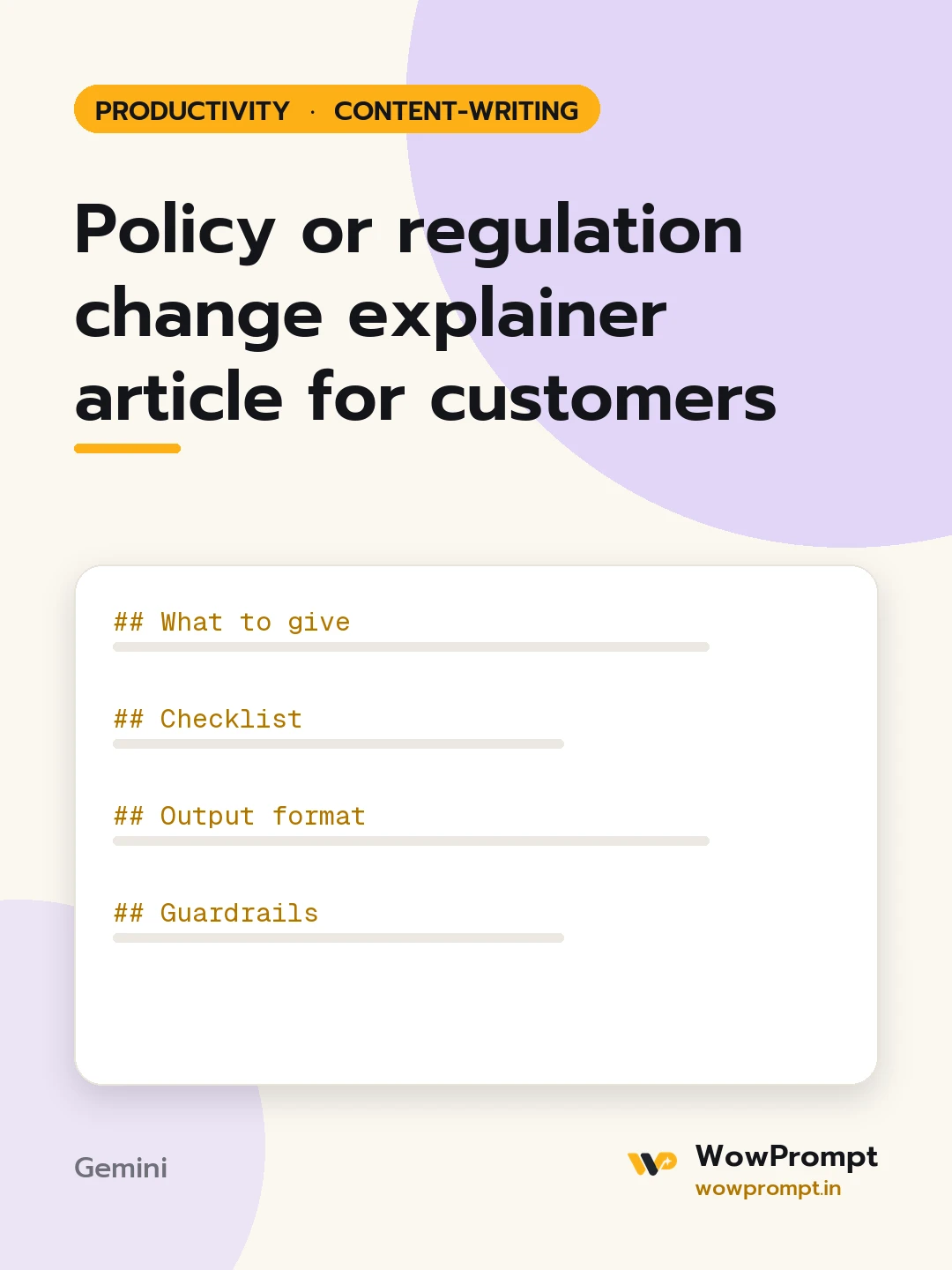
Policy or regulation change explainer article for customers
Explains a new rule, tax change or platform policy in plain words for the people it affects: what changed, from when, who it applies to, what they need to do and what stays the same. Use it when a regulation, a price rule or a terms update will cause customer questions, so one clear article answers them first.
The output this prompt produced, unedited.
The prompt
What to give
The change: [e.g. a new tax rate on a service, a payment rule, a platform's new returns policy]
Official source text or notice: [paste, with the source name and date]
Effective date: [date]
Who it affects among our customers: [e.g. sellers with turnover above a limit, all subscribers]
What our business will do: [e.g. prices update on the effective date, new form at checkout]
Questions customers already ask: [list]
Region: [e.g. India]
Checklist
The opening answers what changed and when in under 60 words.
A table shows | Before | After | for every point that changed.
"Who is affected" and "who is not" are separate sections.
"What you need to do" is a numbered list with dates.
"What stays the same" removes needless worry.
Every factual statement points to the official source.
The FAQ answers the questions given, two or three sentences each.
The close says where to get help and when the article was last updated.
Output format
Title options: three, under 65 characters.
The article in Markdown.
A short version under 300 characters for email, app or WhatsApp.
Guardrails
Use only the official text and the business details given; never interpret beyond them.
Add a line that the article is general information, not legal or tax advice, and suggest a professional for individual cases.
Mark anything unclear in the source as [awaiting official clarification].
Keep a calm, neutral tone; no blame on the authority or the platform.
policy change explainerregulation update articlecustomer explainerrule change blog postcompliance updateplain language explainer
How to run this
Copy the prompt and paste it into Gemini, then set the aspect ratio to 3:4. No reference photo is needed for this one.
The prompt is written in Markdown with each part under its own heading, which is what the copy action hands over. Change one section at a time, keeping the rest intact, so you can tell which change did the work.