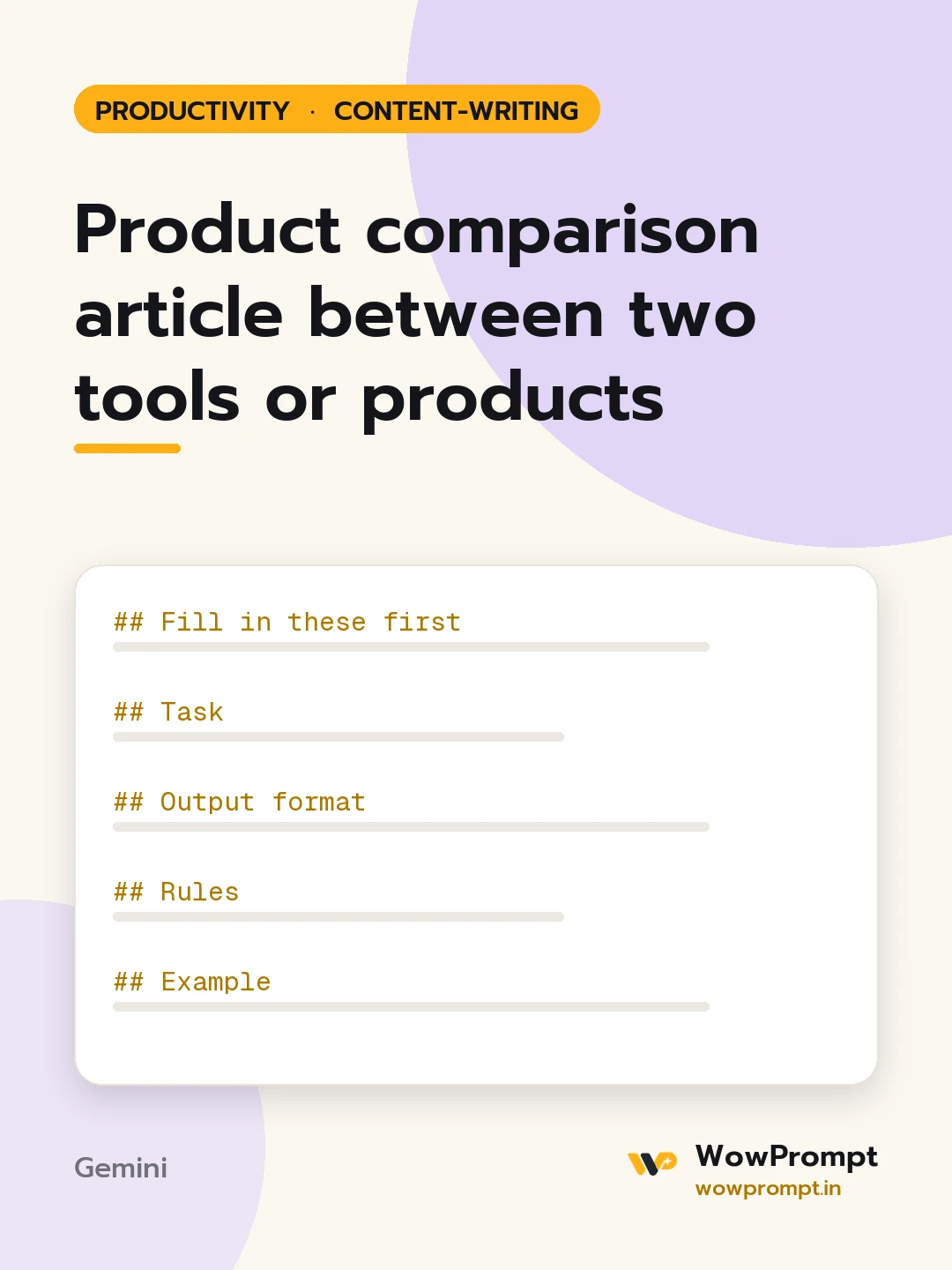
Fill in these first
- Product A and product B: [names]
- Category: [e.g. accounting software, mixer grinders, CRM tools]
- Reader and their main need: [e.g. a small shop owner who wants simple GST billing]
- Facts for each: [price, key features, limits, support, ratings from a named source, date checked]
- Your hands-on notes, if any: [what you tested and found, or none]
- Affiliate or business relationship: [yes with which product, or none]
Task
Write a comparison article of 1,200 to 1,600 words that helps the reader choose in under two minutes and gives the detail for those who want it.
Output format
- Title with both names and the year.
- Quick verdict: three lines, each starting "Choose A if..." or "Choose B if...".
- | Criterion | Product A | Product B | Winner |
- One H2 section per criterion: price, features, ease of use, support, and two more that matter for this category.
- Pros and cons list for each product.
- Who should choose what, with a third option if neither fits.
- Disclosure line if there is a relationship.
Rules
- Every price and feature comes from the inputs, with the date it was checked.
- Do not declare an overall winner if the answer depends on the use case.
- Hands-on claims appear only if hands-on notes are given.
- Criticise both products fairly; each gets at least two real cons.
Example
Choose A if you bill under 100 invoices a month and want a free plan.




