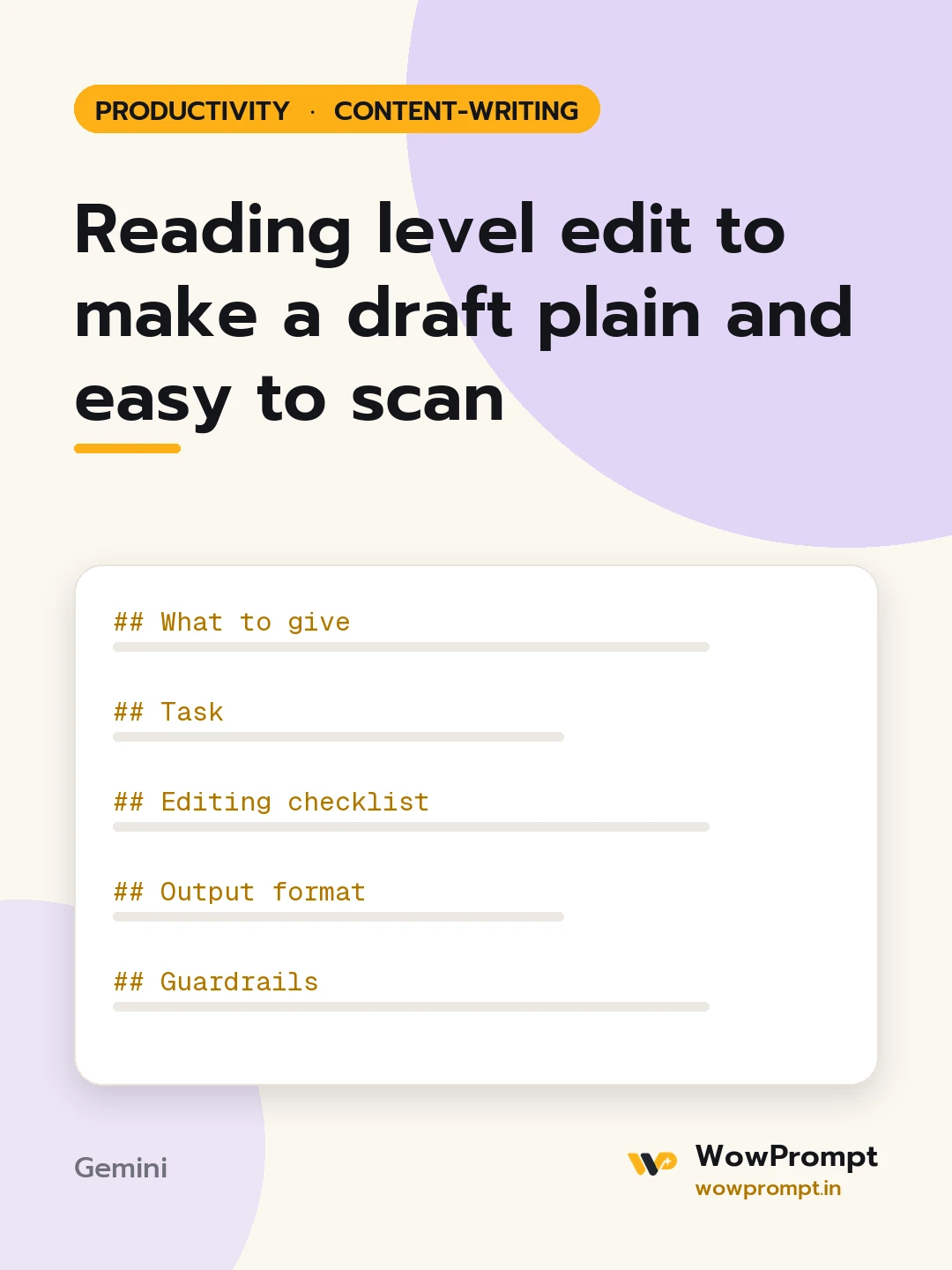
What to give
- Draft: [paste]
- Readers: [e.g. first-time online shoppers, readers using English as a second language]
- Target level: [e.g. a reader aged 12 to 14 can follow it, or a grade level]
- Terms that must stay as they are: [e.g. product names, legal terms]
- Where it will appear: [web page, app screen, email, printed leaflet]
Task
Make the draft easy to read for the readers given without losing any meaning, fact or required term.
Editing checklist
- Average sentence length near 15 words; no sentence over 25.
- One idea per paragraph, three sentences at most.
- Everyday words instead of formal ones: "use" for "utilise", "help" for "facilitate".
- Active voice, and the reader addressed directly where it fits.
- Headings every few paragraphs, phrased as what the reader wants to know.
- Steps as numbered lists, options as bullets.
- Any required technical term explained in brackets the first time.
- Numbers written as digits.
Output format
- The rewritten text in Markdown.
- | Measure | Before | After | for average sentence length, longest sentence, paragraphs and headings.
- | Original term | Plain replacement | for every changed term.
- Anything that could not be simplified without changing meaning, with the reason.
Guardrails
- Do not drop any fact, condition, number or warning from the original.
- Do not add new information or examples that change what the text promises.
- Keep legal or safety wording exact when the inputs mark it as fixed.




