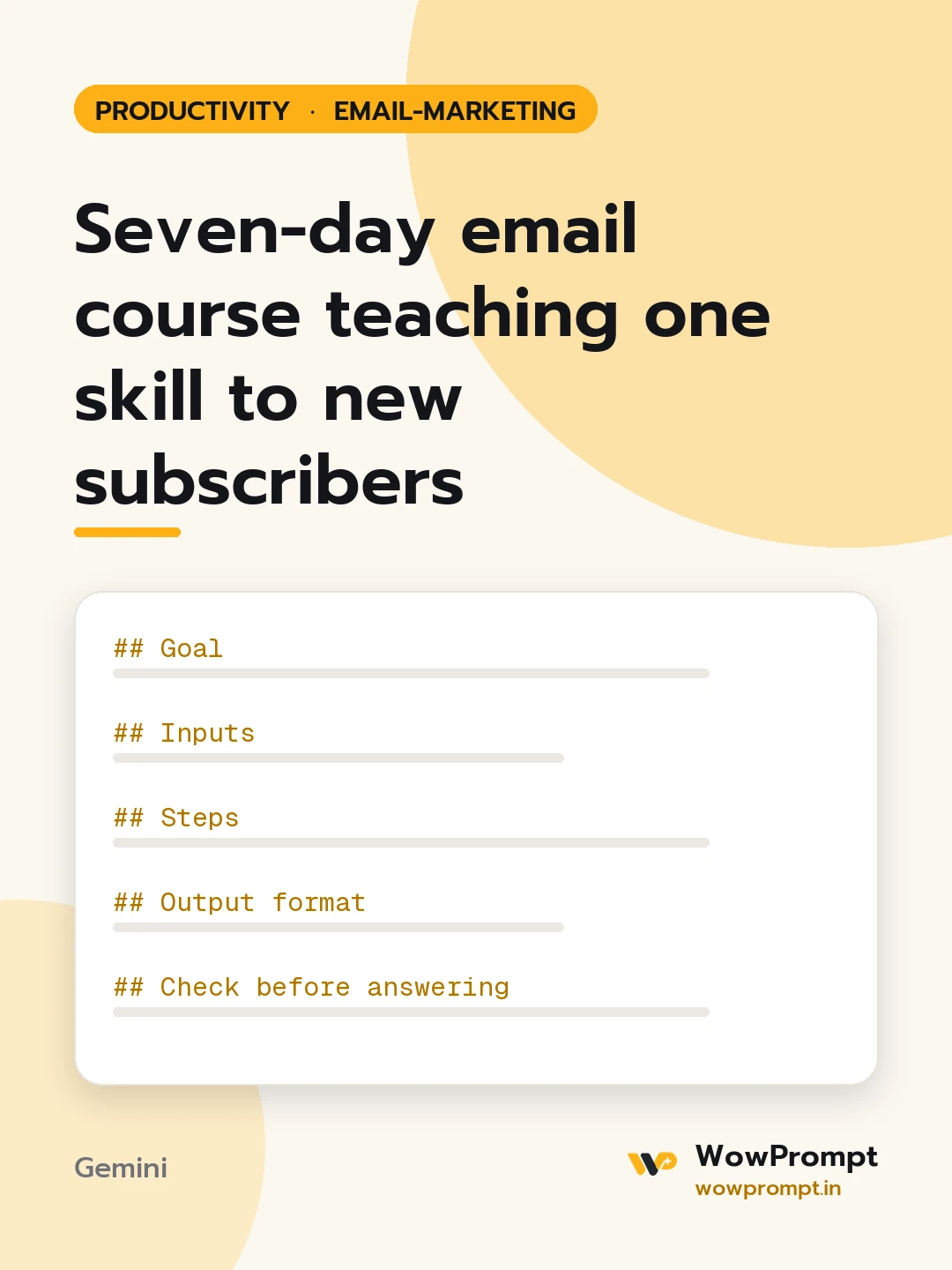
Goal
Teach one skill in seven short emails so a subscriber finishes the week able to do something they could not do before.
Inputs
- Skill to teach: [e.g. bookkeeping basics for freelancers, starting a balcony vegetable garden]
- Learner: [who they are, their starting level]
- What you sell afterwards: [course, service, product, or nothing]
- Your real expertise and examples: [experience, case stories, numbers you can share]
- Voice: [e.g. friendly teacher, straight-talking expert]
Steps
- Define the end result the learner can show on day seven.
- Break the skill into seven steps, each one building on the previous.
- For each day write one idea, one example from the inputs, and one task taking under 15 minutes.
- Make day seven a recap plus the offer, with no pressure if they do not buy.
Output format
- Course title and one-line promise.
- | Day | Lesson goal | Subject line | Daily task |
- Full text of each email, 150 to 250 words, with a short reply prompt such as "Reply with your result".
- One plain-text line to put in the signup form describing the course.
Check before answering
- Each email teaches something useful even if the reader never buys.
- No results or income claims beyond what the inputs support.
- Examples come only from the inputs; generic placeholders are marked as [example].
- Lessons stay on one skill and do not jump to a second topic.




