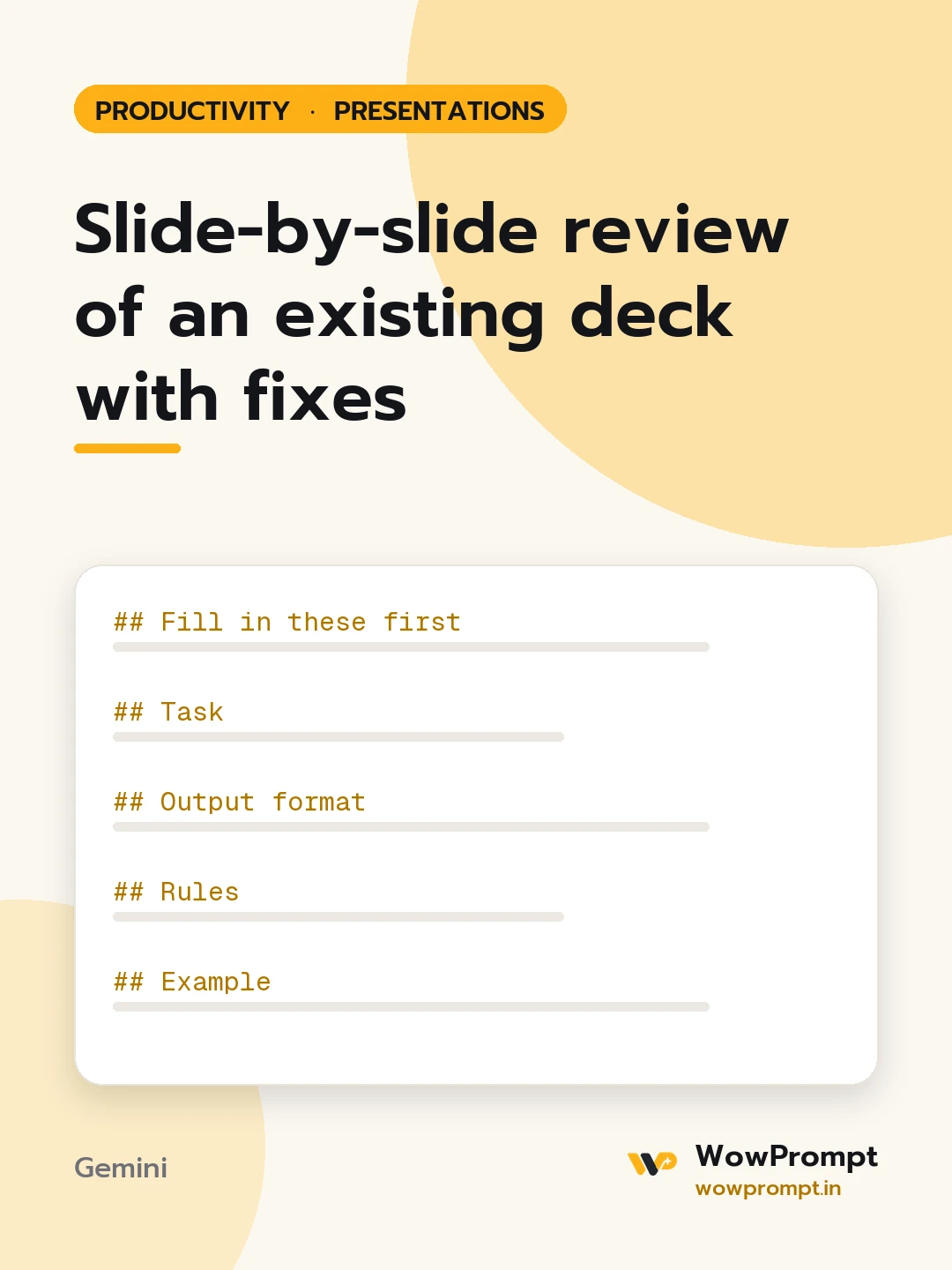
Fill in these first
- Purpose of the presentation: [e.g. win budget approval, update the board, train new staff]
- Audience and time slot: [who, how many, and minutes available]
- Slide content: [paste each slide as "Slide 1: title, then text, then a description of any chart or image"]
- Speaker notes, if any: [paste or none]
Task
Review the deck as the audience will experience it and say exactly what to change.
Output format
- Deck scorecard from 1 to 5: clarity of the main message, logical flow, text density, use of data, fit for time slot.
- | Slide | Main point as the audience will read it | Problem | Fix |
- Suggested new order, if the flow can be improved, with slides to cut or merge.
- The three changes that would help most, in order.
- Rewritten titles for every slide as short statements of the point, such as "Returns fell 18 per cent after the size guide".
Rules
- Judge each slide by what it says, not by how it might look; ask about visuals when the description is missing.
- Flag any slide that needs more than 40 words read aloud to make sense.
- Do not add facts or numbers; where a claim needs evidence, say "add the source".
- Keep the deck within the time slot at about one to two minutes per slide.
Example
Slide 7 | "We have many channels" | Title states a topic, not a point; six charts compete | Title: "Search brings 60 per cent of new buyers"; keep one chart




