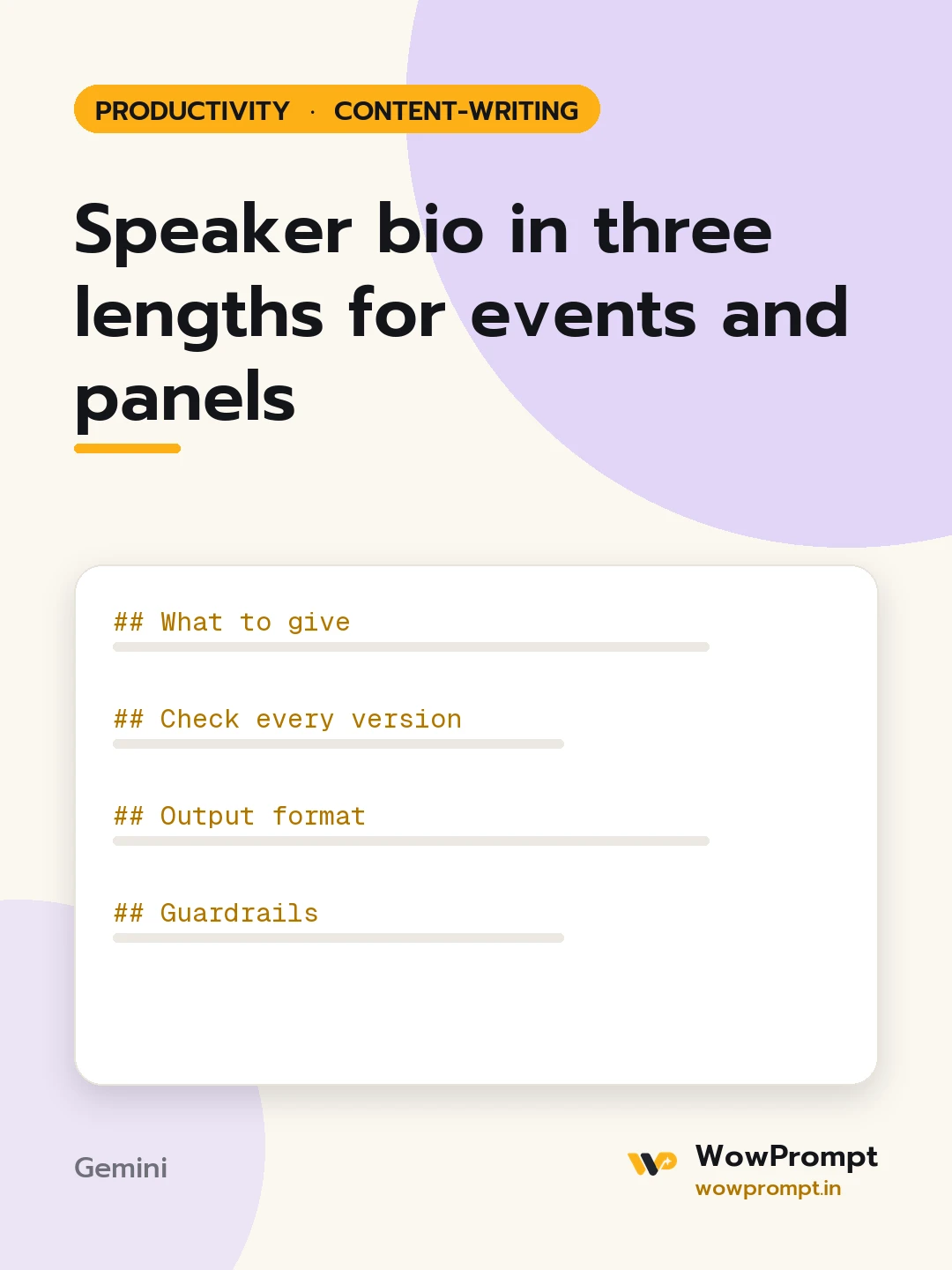
Speaker bio in three lengths for events and panels
Writes a speaker biography in three lengths plus an introduction script for the host, built from a CV or profile and tuned to the event's audience and topic. Use it when a conference, webinar, podcast or panel asks for a bio, or to keep one ready for invitations.
The output this prompt produced, unedited.
The prompt
What to give
CV, profile text or notes: [paste]
Event, audience and topic: [e.g. a fintech summit, product managers, talk on onboarding drop-off]
Achievements to highlight: [roles, results, books, awards; only real ones]
One personal detail the speaker is happy to share: [e.g. runs half marathons, or none]
Name pronunciation, if useful: [e.g. AH-nya]
Website or profile to mention: [placeholder, or none]
Check every version
The first sentence states name, current role and the expertise that matters for this topic.
Achievements are specific and verifiable from the inputs.
Third person, present tense for current roles, past tense for earlier ones.
Nothing in the bio would surprise the speaker; no inflated titles.
Each length works on its own; the short one is not a cut-off sentence.
Output format
30-word bio for programmes and badges.
75-word bio for event websites.
150-word bio for press kits and speaker pages.
A first-person version of the 75-word bio for the speaker's own profiles.
A 30-second host introduction, written to be read aloud, with the pronunciation of the name if given.
A one-line intro for social posts announcing the session.
Guardrails
Never invent awards, employers, audiences or numbers.
Leave out family, age and contact details unless given for the bio.
Keep "expert", "thought leader" and similar labels out; let the facts carry it.
speaker bioprofessional bioevent biopanelist biospeaker introductionshort bio
How to run this
Copy the prompt and paste it into Gemini, then set the aspect ratio to 3:4. No reference photo is needed for this one.
The prompt is written in Markdown with each part under its own heading, which is what the copy action hands over. Change one section at a time, keeping the rest intact, so you can tell which change did the work.