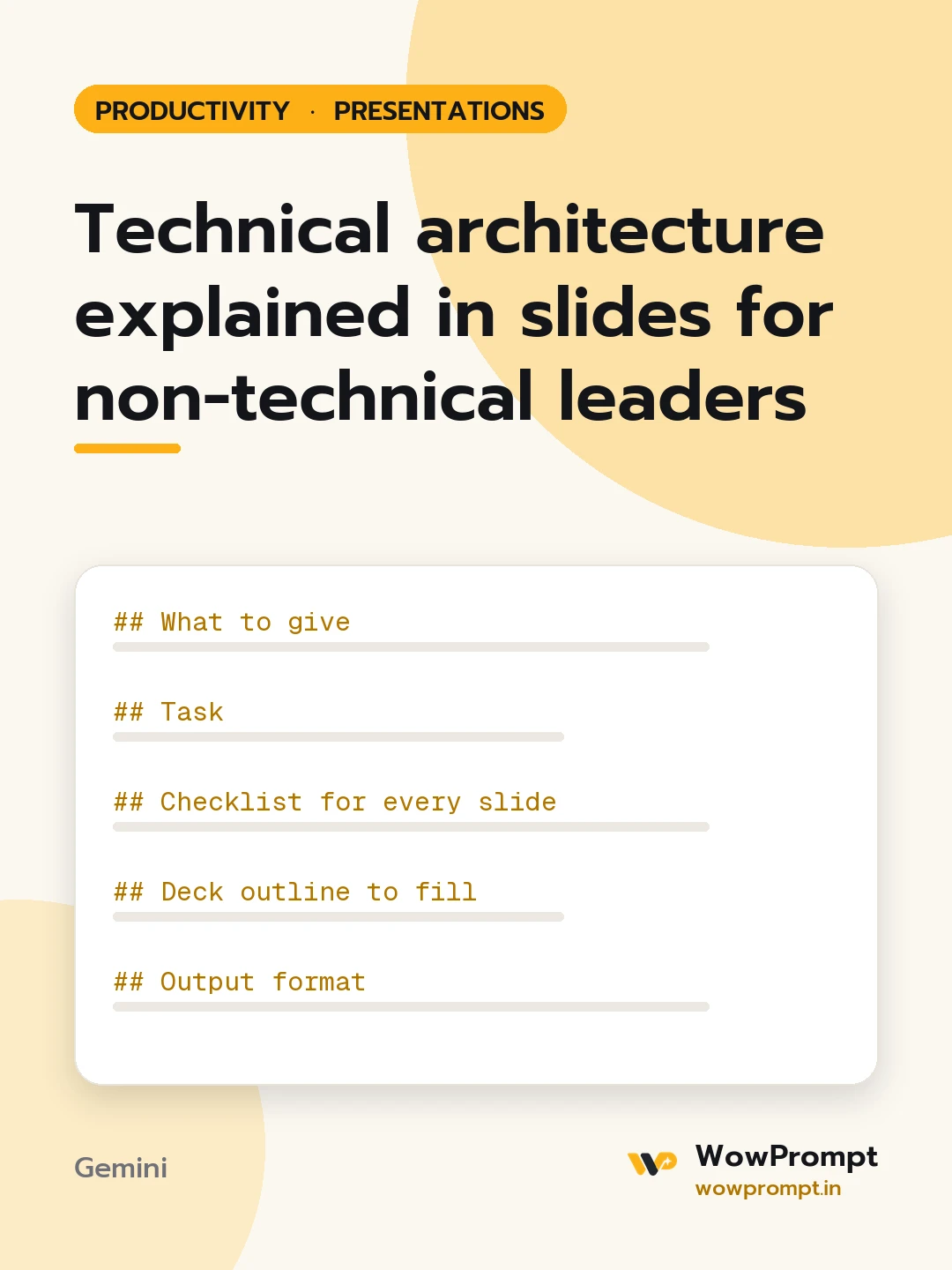
What to give
- The architecture or proposal: [paste the design doc, diagram description or notes]
- Audience: [e.g. founders and finance head, a hospital management board]
- What you need from them: [e.g. approve cloud spend, choose between two vendors, accept a three-month delay]
- Costs, timelines and risks known: [figures and dates]
- Time slot: [e.g. 15 minutes plus questions]
Task
Build a deck that lets this audience understand the system well enough to make the decision.
Checklist for every slide
- The headline is a full sentence stating the point, such as "Orders will keep working if one server fails".
- Technical terms replaced with what they do: "database" becomes "where customer records are kept"; keep at most five terms and define them.
- Diagrams show boxes the audience recognises (customers, app, payments, records), at most seven boxes.
- Every technical choice is tied to a business result: speed, cost, risk, compliance or growth.
- Numbers in business units: rupees or dollars per month, hours of downtime, days of delay.
- One idea per slide.
Deck outline to fill
- The decision needed today.
- What the system does for customers.
- How it works, as one simple diagram.
- What changes from today.
- Cost: one-time and monthly.
- Risks and how each is handled.
- Options compared, if there is a choice.
- The decision and next steps with dates.
Output format
| Slide | Headline | On screen | Speaker notes |, then a glossary and five questions leaders are likely to ask, with short answers.
Guardrails
- Do not hide a risk or cost to make approval easier.
- Do not invent figures; mark missing ones as [to confirm].




