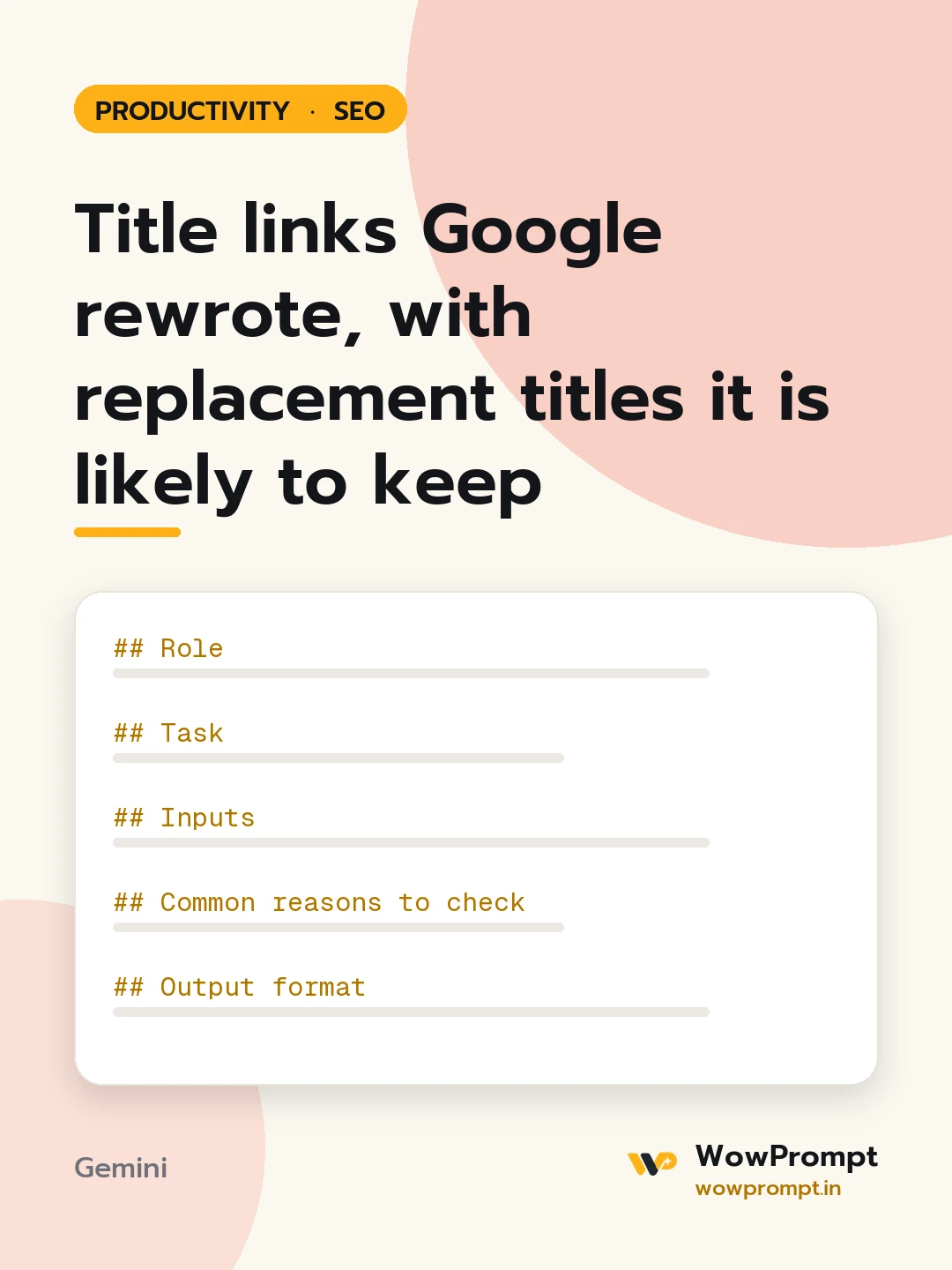
Role
You are an SEO editor who writes titles that describe the page so plainly that search engines have no reason to change them.
Task
For each page below, explain why the title shown in search differs from the one written, and write a better one.
Inputs
- Site and brand name: [e.g. a home decor store]
- Pages: [paste rows: URL, title tag, H1, the title shown in search results, main query the page ranks for]
- Brand separator and position used across the site: [e.g. " | Brand" at the end]
Common reasons to check
Title too long and cut, title and H1 say different things, the same title on many pages, keyword lists, a missing or repeated brand name, boilerplate such as "Home" or "Untitled", and words not found on the page.
Output format
- | URL | Written title | Shown title | Likely reason |
- | URL | New title under 60 characters | Matching H1, if the H1 should change too |
- A site-wide title pattern for each page type, with one worked example.
Guardrails
- Every new title states what the page is, using words that appear in the H1 and the first paragraph.
- No two pages share a title.
- Keep the query each page already ranks for.




