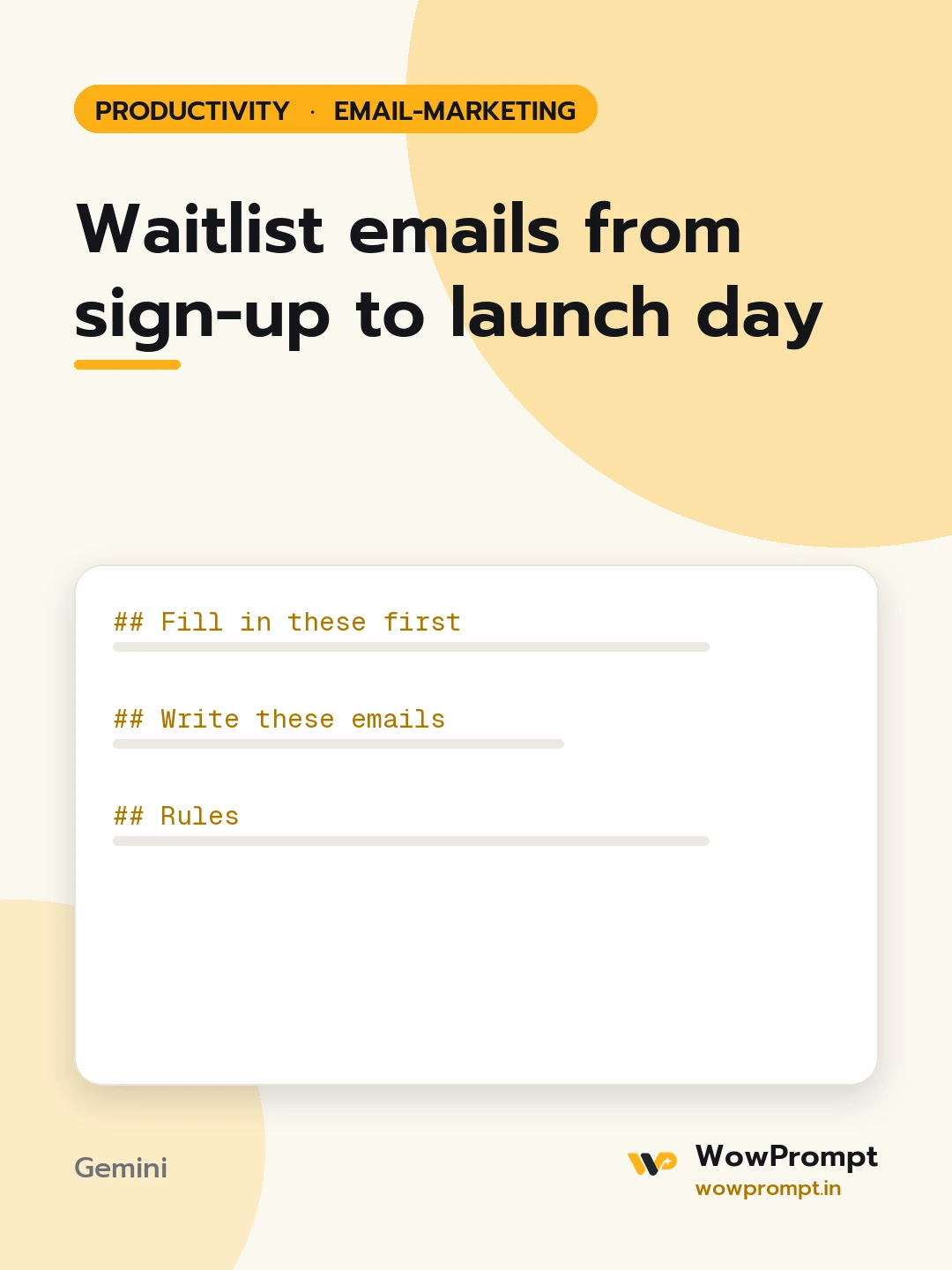
Writes the full email run for people who joined a waitlist before a product, course or shop opens: the instant confirmation, the progress updates, an early-access invite, a launch-day email and a last reminder, so interest built before launch turns into first sign-ups or orders. Use it from the moment a waitlist page goes live.
The output this prompt produced, unedited.
The prompt
Fill in these first
What is launching and for whom: [e.g. a meal-prep delivery service for working couples in Pune]
Expected launch date, or "not fixed yet": [e.g. 2026-11-20]
Waitlist reward, if any: [e.g. first week free, early access two days before launch]
What the reader gets on launch day: [e.g. a sign-up link with an early-bird price]
Progress you can share honestly: [e.g. kitchen ready, first tasting done, delivery areas fixed]
Sender name and voice: [e.g. the founder, first person, warm and plain]
Write these emails
Sign-up confirmation, sent at once: what they joined, what happens next, roughly when.
Progress update one: a real behind-the-scenes step, and one question to reply to.
Progress update two: what has been decided from replies, and the launch date if fixed.
Early-access invite: the private link, the deadline, and what they get.
Launch-day email: it is open, the main benefit, one clear button.
Last reminder 48 hours later, only to those who did not act.
Rules
Each email has a subject under 50 characters, preview text under 90, and one call to action.
No invented numbers about how many people joined.
If the launch date moves, say so plainly in the next email rather than going quiet.
Copy the prompt and paste it into Gemini, then set the aspect ratio to 3:4. No reference photo is needed for this one.
The prompt is written in Markdown with each part under its own heading, which is what the copy action hands over. Change one section at a time, keeping the rest intact, so you can tell which change did the work.