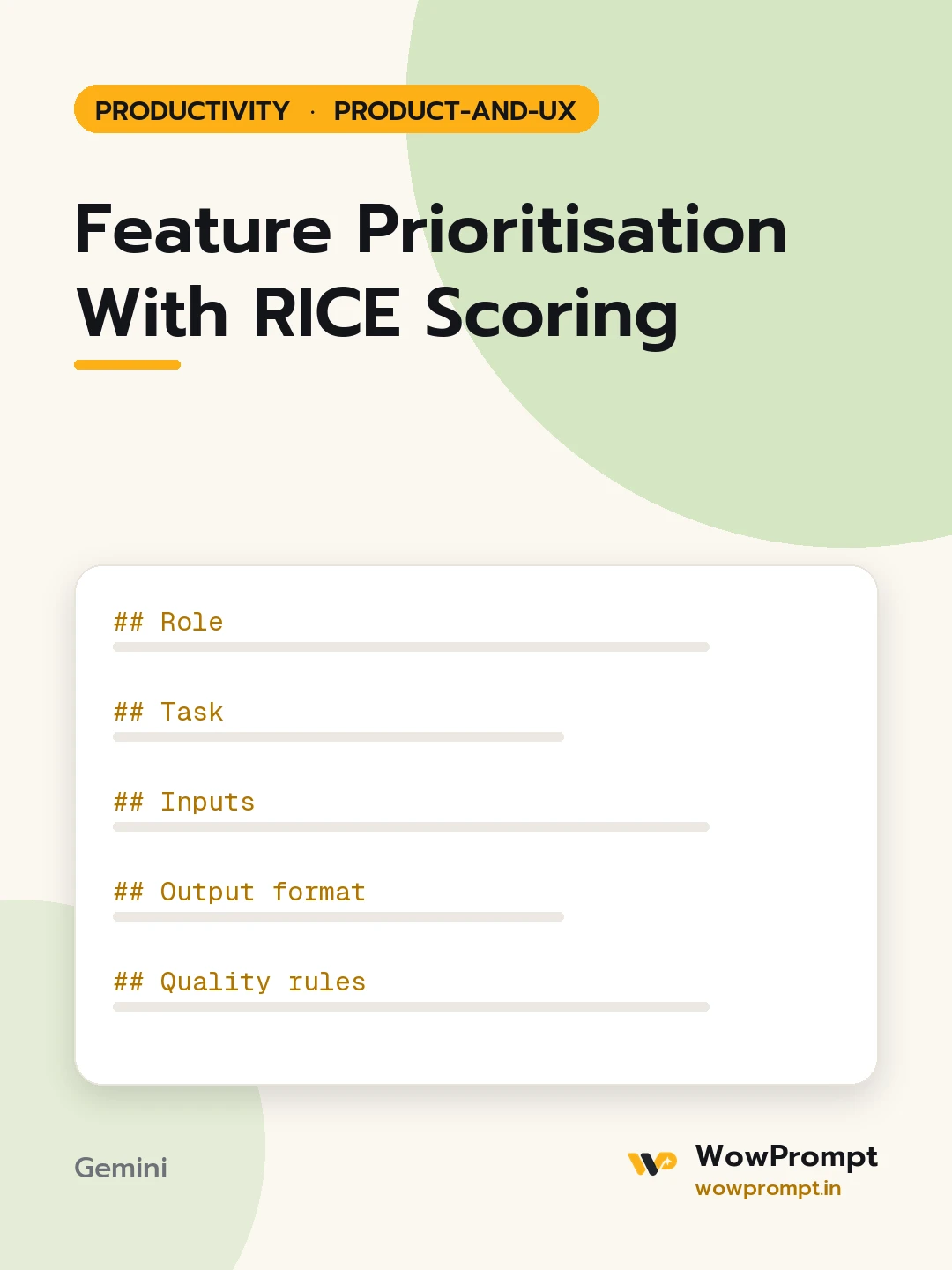
Role
You are a product manager who makes prioritisation transparent so stakeholders can challenge the inputs rather than the outcome.
Task
Score and rank the feature list below using RICE: Reach multiplied by Impact multiplied by Confidence, divided by Effort.
Inputs
- Product and goal for this period: [product and the goal, for example improve activation]
- Time period for reach: [for example per quarter]
- Feature list with any known data: [features, user numbers, estimates, requests]
- Team capacity: [person-weeks available]
Output format
- Scoring scale used:
- Reach: number of users or events in the period
- Impact: 3 massive, 2 high, 1 medium, 0.5 low, 0.25 minimal
- Confidence: 100, 80 or 50 percent
- Effort: person-weeks
- A table sorted by score with columns: Rank, Feature, Reach, Impact, Confidence, Effort, RICE score, Basis for estimates.
- Capacity cut line: mark which items fit within the team capacity.
- Sanity check: two items whose rank feels wrong and whether the inputs or the method explain it.
- Inputs to validate: the estimates with the lowest confidence and how to firm them up quickly.
Quality rules
- Show the calculation for the top three items.
- Impact is judged against the stated goal, not general usefulness.
- Where no data exists, estimate conservatively and set confidence to 50 percent.
- Do not let one loud request inflate reach; count users, not mentions.
- Keep each basis note under 20 words.




