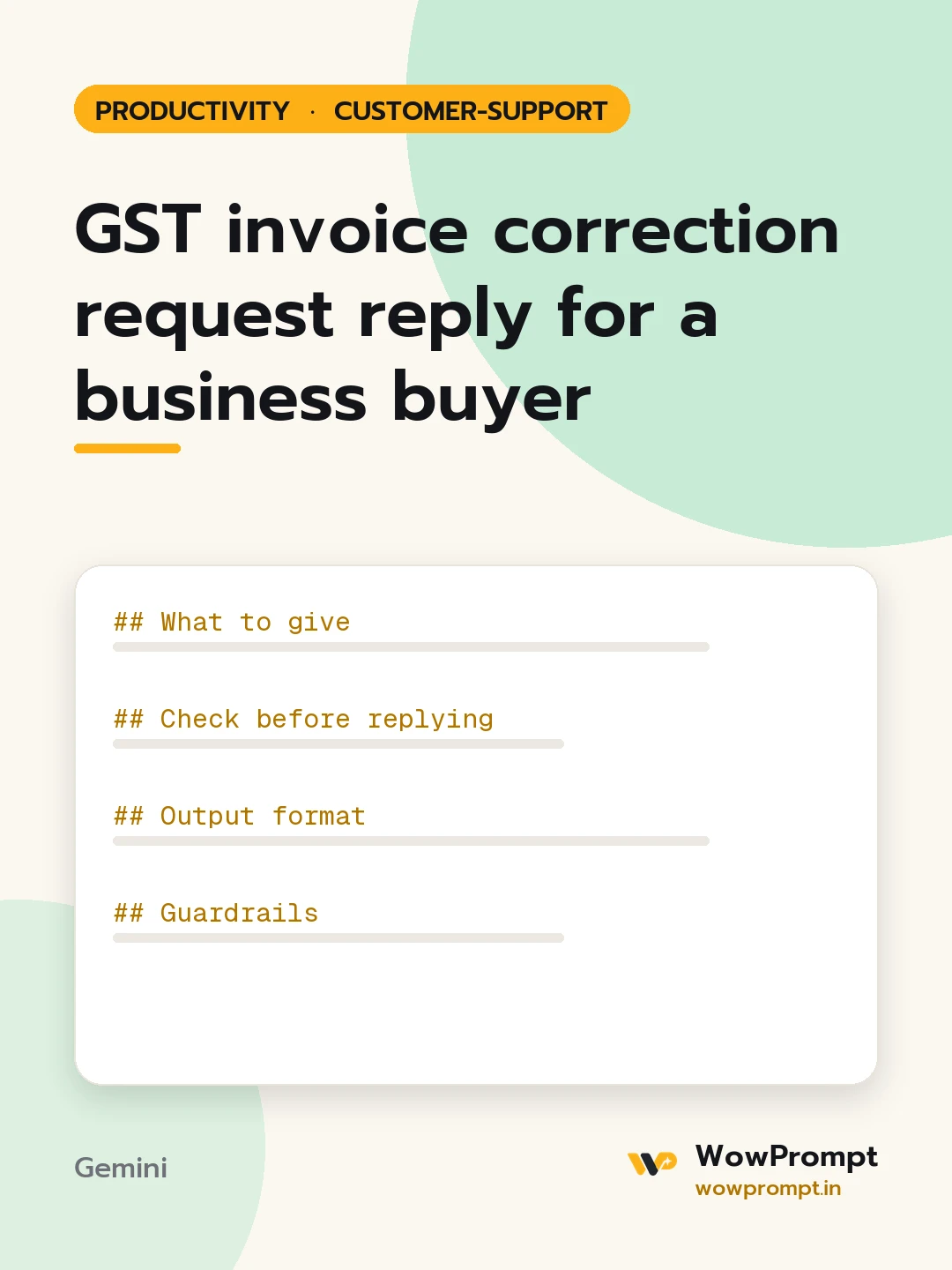
GST invoice correction request reply for a business buyer
Answers a business customer who needs their GSTIN, company name or billing address changed on an invoice, checks whether the change is still possible, and writes a reply that states what will be reissued, what cannot change and by when. Use it for online stores and service businesses that sell to companies claiming input tax credit.
The output this prompt produced, unedited.
The prompt
What to give
Customer request: [paste]
Invoice number, date and amount: [paste]
Details on the invoice now and the details the customer wants: [e.g. no GSTIN; wants GSTIN 27ABCDE1234F1Z5 and the company name]
Whether the GST return for that month has been filed: [yes, no, or not sure]
Company rule on corrections: [e.g. corrections only in the same month; otherwise credit note and new invoice]
Check before replying
The requested GSTIN has the right length and format, and the name matches what the customer states as their registered legal name.
The change is to buyer details only, not to price, quantity or tax rate.
Whether the return for that month is filed, which decides a simple reissue or a credit note and new invoice.
The request comes from the buyer's registered email or account.
Any deadline the customer has mentioned for their own filing.
Output format
| Check | Result | Note |
The customer reply, under 180 words, with what will be issued, the expected date, and anything we still need from them.
A three-line task note for the accounts team.
Guardrails
Never promise a tax outcome for the customer; say they should confirm the credit with their own accountant.
Do not change amounts or tax rates through a correction request.
gst invoice correctiongstin change on invoiceb2b customer supportinvoice reissue replyinput tax credit requestbilling support
How to run this
Copy the prompt and paste it into Gemini, then set the aspect ratio to 3:4. No reference photo is needed for this one.
The prompt is written in Markdown with each part under its own heading, which is what the copy action hands over. Change one section at a time, keeping the rest intact, so you can tell which change did the work.