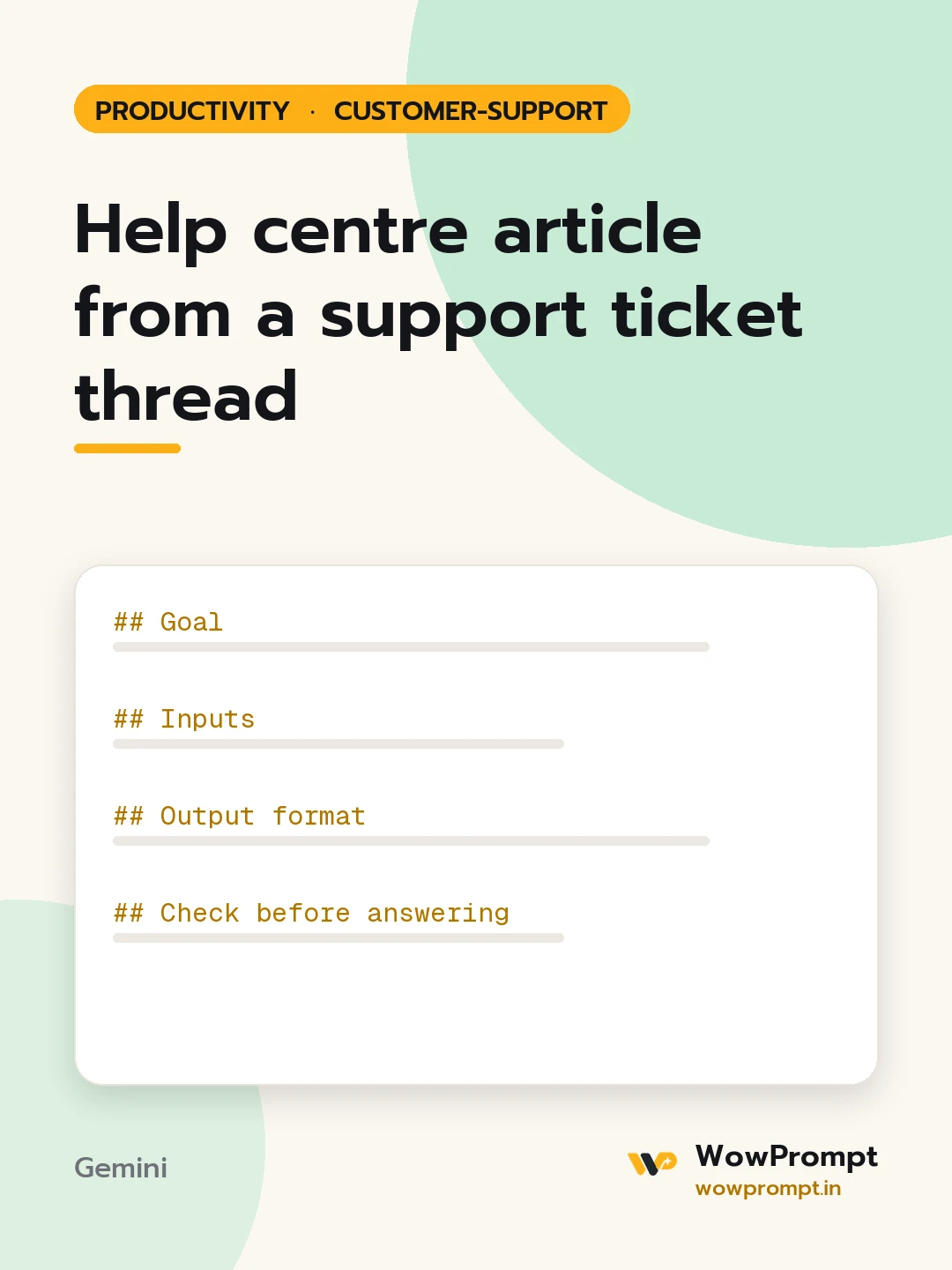
Goal
Turn a resolved support conversation into a self-service article that lets the next customer fix the problem without contacting support.
Inputs
- Ticket thread: [paste the conversation, with personal details removed]
- Product or feature: [name]
- Audience: [new users, admins, all customers]
- Platforms covered: [web, Android, iOS, desktop]
- Related articles: [titles, or "none"]
Output format
- Title phrased as the customer would search it, for example "How do I reset two-factor login"
- Short answer: two sentences at the top
- Before you start: prerequisites as bullets
- Steps: numbered, one action per step, with the exact button or menu label in bold
- Platform differences: a small table if steps differ by platform
- Troubleshooting: "If you see X, do Y" pairs, at least three
- Still need help: one line on what details to include when contacting support
- Suggested tags: 5 search terms customers would use
Check before answering
- Remove every customer name, email, order number, and account detail from the thread.
- Use only steps confirmed to work in the thread; mark anything uncertain as "Verify before publishing".
- Write in second person and present tense at a reading level suitable for non-technical users.
- Keep the article between 250 and 500 words.
- Do not include internal tools, agent notes, or workarounds that customers cannot perform themselves.




