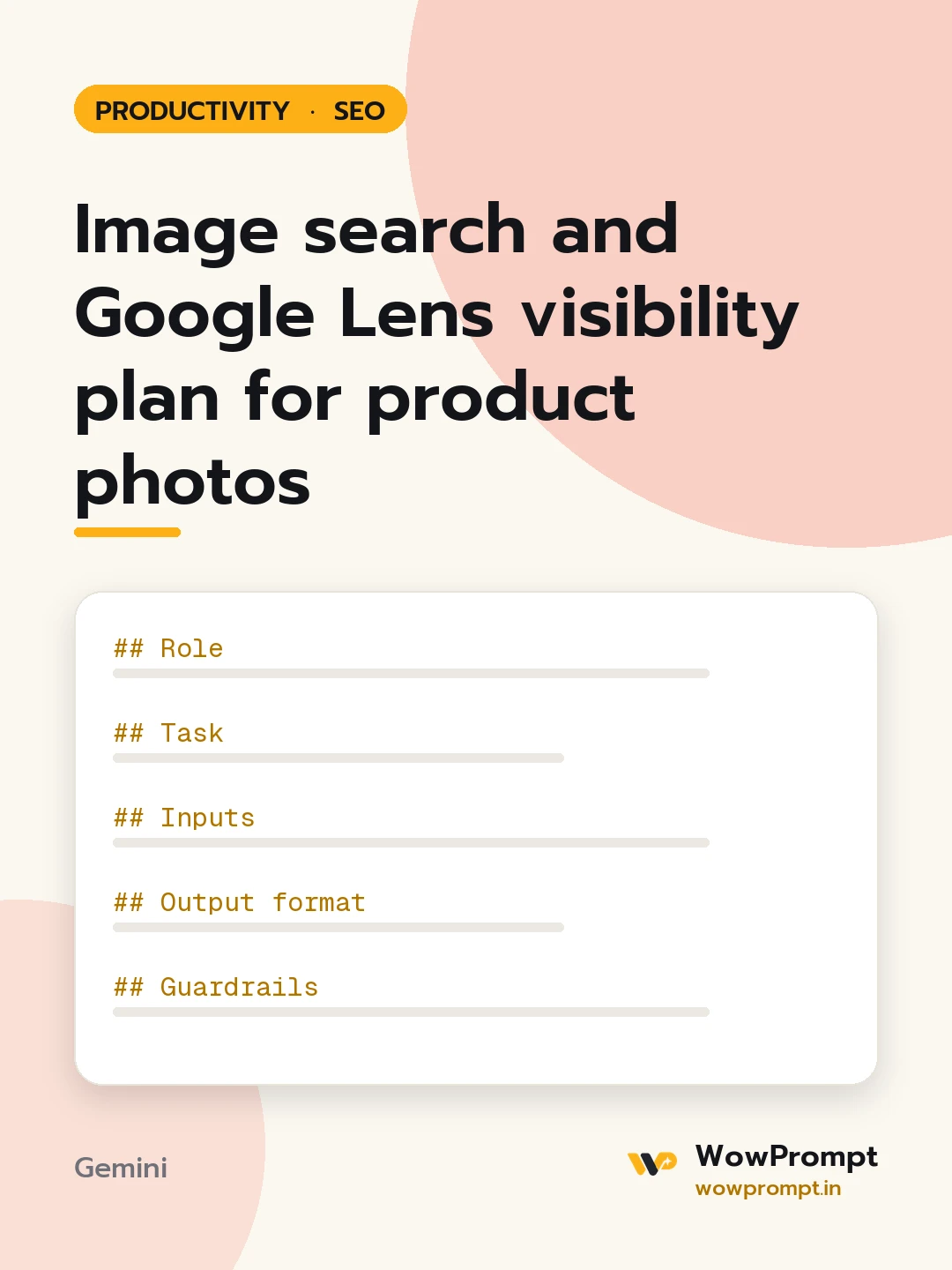
Role
You are an ecommerce SEO specialist who knows how visual search matches photos to products.
Task
Plan the photos and the page details around them so the products can be found by image and by Lens.
Inputs
- Business and products: [e.g. handmade brass pooja items sold online]
- Ten product names with their key features: [paste]
- Current photos: [describe, e.g. one white-background shot per product]
- How pages are built: [e.g. Shopify theme, custom site]
- Whether product markup and an image sitemap exist: [yes, no, or unknown]
Output format
- A shot list per product: a clean front view, a close-up of the detail that makes it distinct, a scale shot in use, and one styled shot.
- A file name pattern and three worked examples.
- An alt text pattern under 125 characters with three worked examples.
- A caption template that names the product and one distinct feature.
- A checklist: image near the product name in the page, product markup with image, price and availability, image sitemap entry, compressed modern formats, and no text baked into the picture.
Guardrails
- Alt text describes what is in the photo; no keyword lists.
- Never suggest using photos the business does not own.




