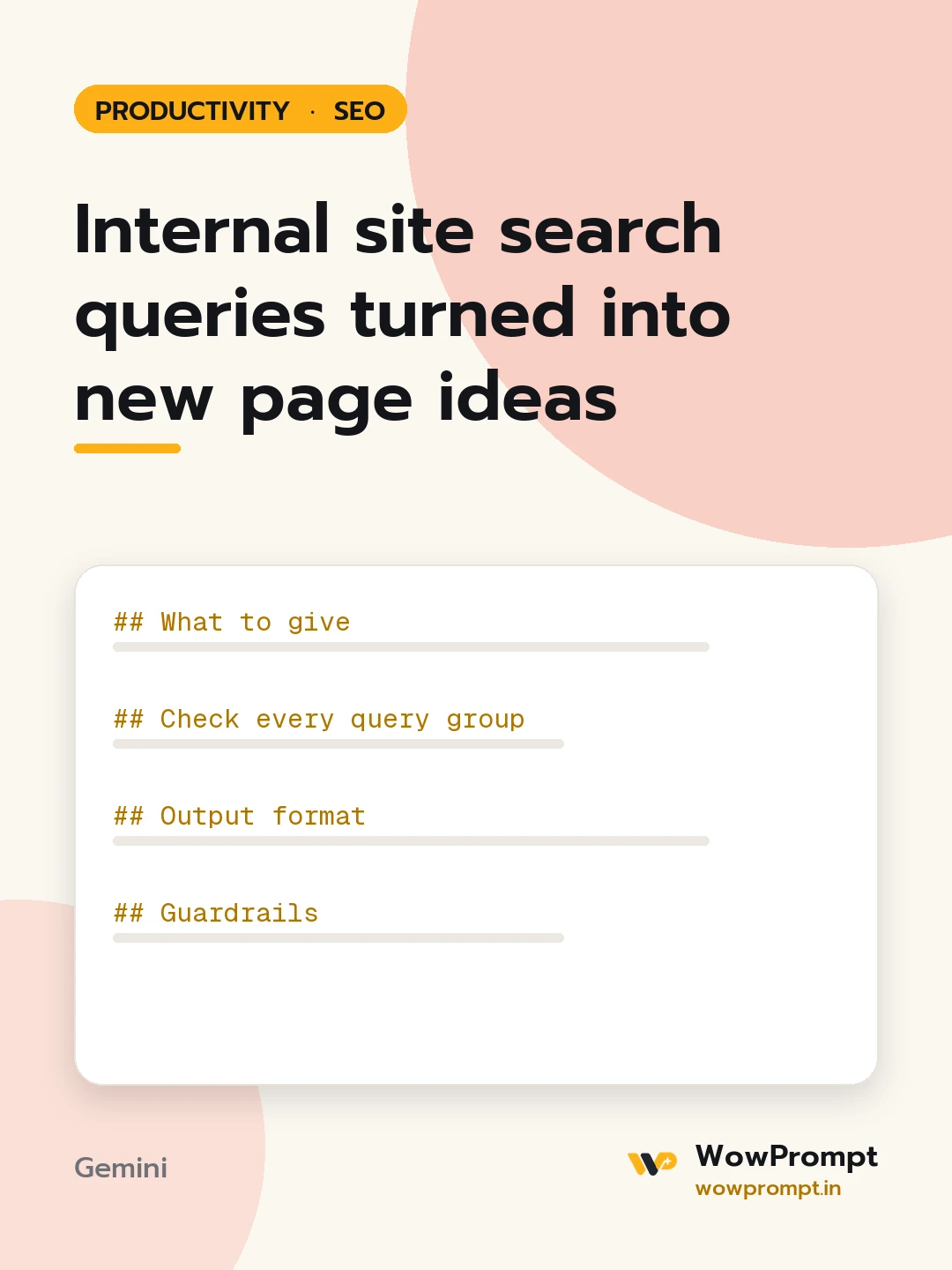
Internal site search queries turned into new page ideas
Reads what visitors type into the site's own search box, finds the needs the site does not answer, and turns them into new pages, better labels and fixes to existing pages. Use it every quarter on content sites, stores and help centres that have a search bar.
The output this prompt produced, unedited.
The prompt
What to give
Site search report: [paste rows: query, searches, exits after search, results returned or zero]
Period: [e.g. last 90 days]
Site type and main sections: [e.g. a home decor store with furniture, lighting, decor, guides]
Existing pages that should answer common queries: [list, or none]
Words the site uses in menus: [e.g. "Lighting", "Lamps", "Accessories"]
Check every query group
Group spelling variants, plurals and synonyms into one need.
Zero results: the site has nothing, or the content exists under a different word.
High exits after search: results returned but did not help.
Menu vocabulary gaps: visitors search for a word the navigation never uses.
Questions typed as full sentences: candidates for guides or FAQ answers.
Seasonal spikes in the period: note the month.
Output format
| Need | Example queries | Searches | Zero results or high exits | Diagnosis |
New page ideas: title, target keyword in plain words, page type, and the query group it answers.
Fixes to existing pages: add the visitor's wording to titles, headings and copy.
Navigation and label changes in three to five bullets.
Synonyms to add to the site search settings.
Guardrails
Site search shows demand on this site only; suggest checking search volume elsewhere before building a page for a tiny group.
Do not suggest a page for a query that needs a product or service the site does not offer.
Leave out any query that contains personal data such as emails, phone numbers or order numbers.
site search analysisinternal search queriescontent ideassearch box datacontent gapson site search seo
How to run this
Copy the prompt and paste it into Gemini, then set the aspect ratio to 3:4. No reference photo is needed for this one.
The prompt is written in Markdown with each part under its own heading, which is what the copy action hands over. Change one section at a time, keeping the rest intact, so you can tell which change did the work.