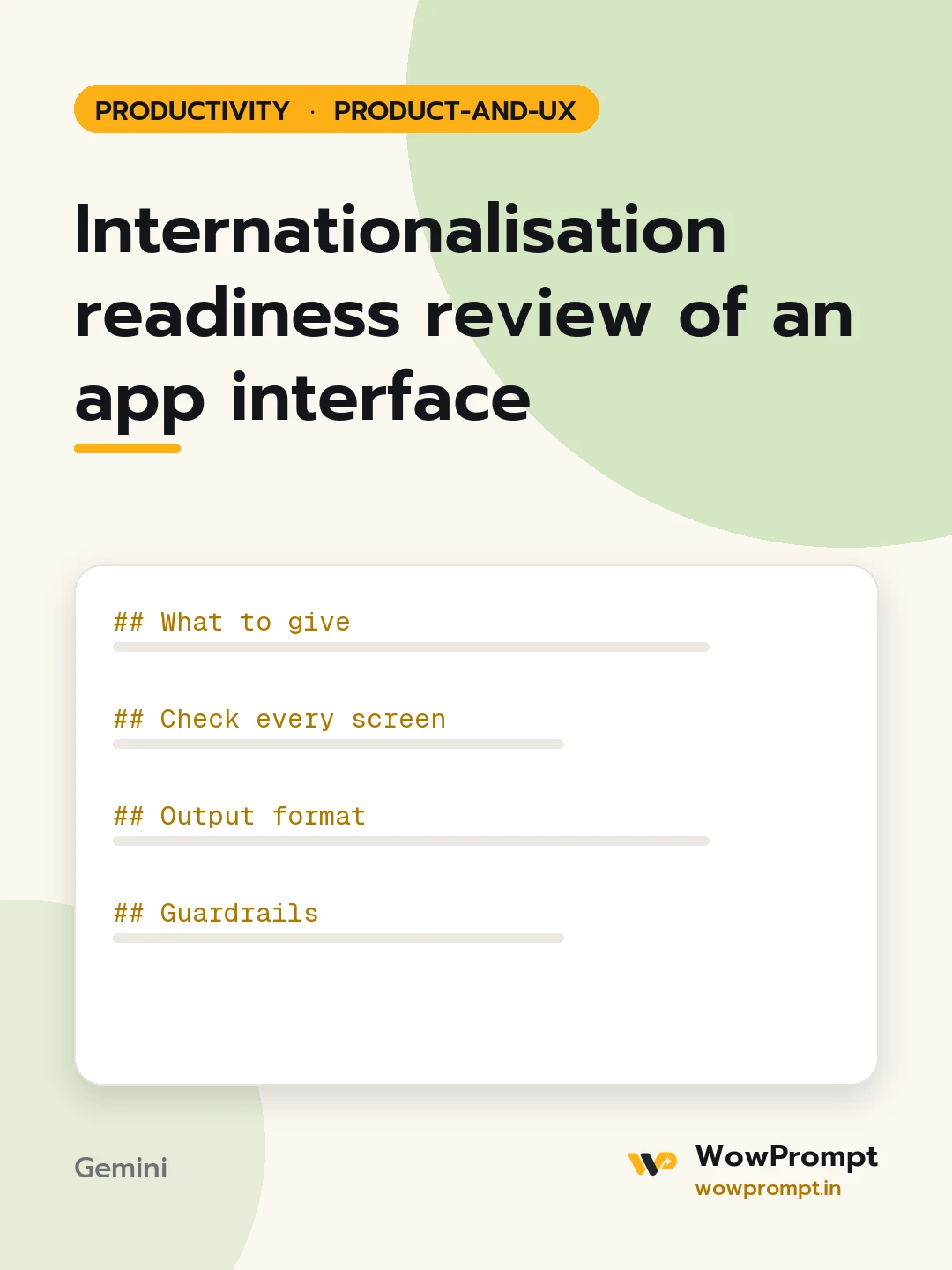
Internationalisation readiness review of an app interface
Checks whether a product's interface can be translated and used in other languages and regions before any translation starts: text expansion, hard-coded strings, plurals, dates, currencies, names, addresses and right-to-left layouts. Returns a list of problems by screen and the fixes engineers and designers need. Use it before adding a second language to an app or website.
The output this prompt produced, unedited.
The prompt
What to give
Product and current language: [e.g. a booking app in English only]
Target languages and regions: [e.g. Hindi, Tamil, Arabic for India and the Gulf]
Screens to review: [paste UI text, describe layouts, or list components]
How strings are stored: [e.g. a strings file, text inside code, text inside images]
Text expansion: labels and buttons that will break if text grows by 30 to 40 per cent.
Hard-coded text: strings inside code, images, icons or error messages from the server.
Joined sentences: text built from pieces such as "You have " + count + " items", which cannot be translated correctly.
Plurals and gender: wording that assumes the English singular and plural rule.
Formats: dates, numbers, currency symbols, decimal marks and the Indian lakh and crore grouping where relevant.
Names and addresses: fields that force first and last name or a fixed address order.
Right-to-left: icons with direction, alignment, progress bars and swipe gestures.
Fonts: whether the chosen font covers every target script.
Output format
Readiness score from 1 to 5 with three sentences explaining it.
| Screen | Problem type | Example | Fix | Owner: design or engineering |
Example fixes, such as replacing "You have " + n + " items" with one message key that handles plurals.
Ten rules for every new screen from now on.
What to ask the translation team for: glossary, context screenshots, character limits.
Guardrails
Do not translate anything; this is a readiness review only.
Say when a target script needs a native speaker to judge layout or font quality.
Flag images with embedded text as a cost, not only a bug.
internationalisationi18n reviewapp localisation readinessmultilingual uiright to left layouttranslation ready
How to run this
Copy the prompt and paste it into Gemini, then set the aspect ratio to 3:4. No reference photo is needed for this one.
The prompt is written in Markdown with each part under its own heading, which is what the copy action hands over. Change one section at a time, keeping the rest intact, so you can tell which change did the work.