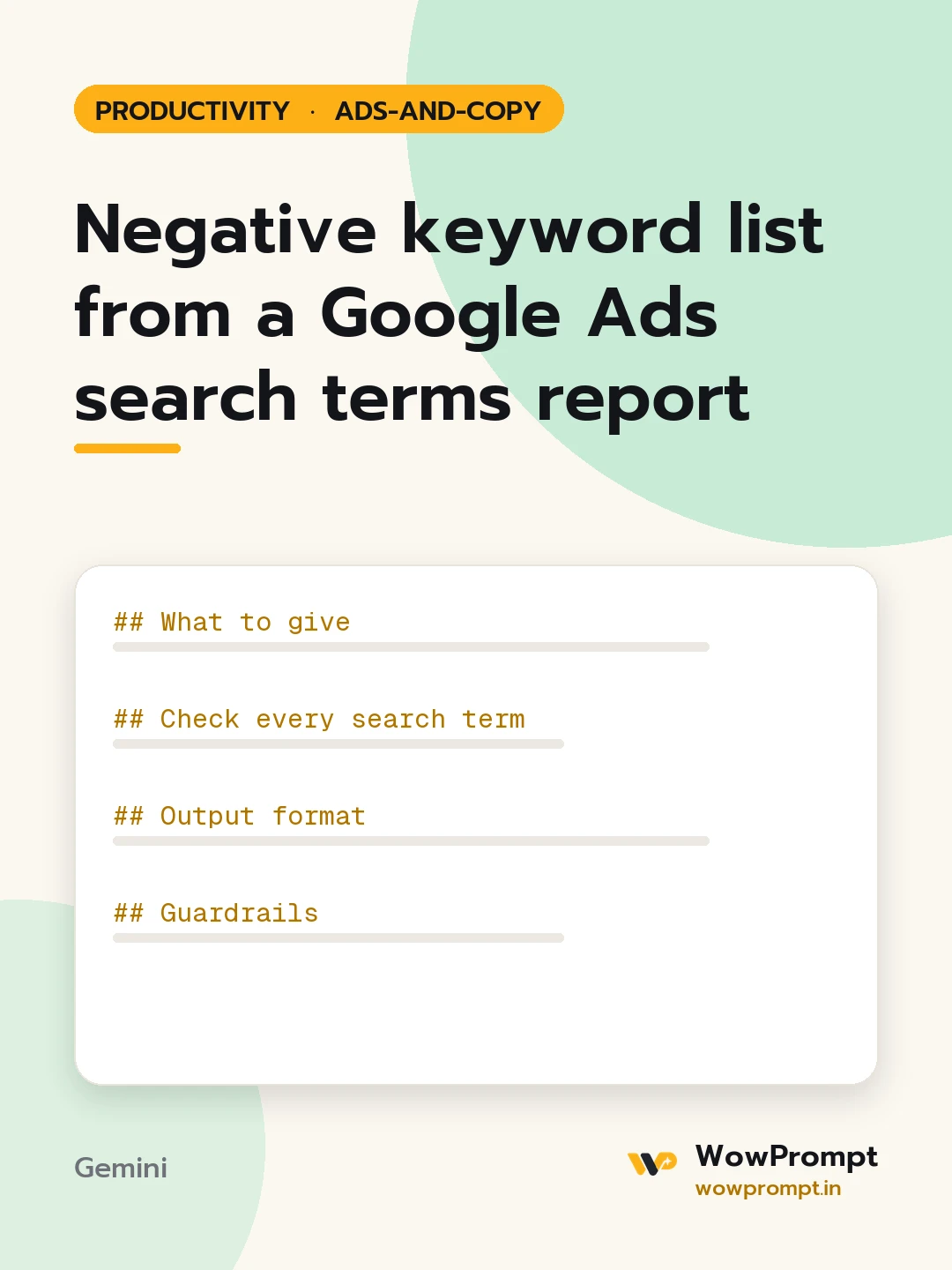
Negative keyword list from a Google Ads search terms report
Reads a search terms report and builds negative keyword lists with the right match type and level, so the budget stops going to searches that never convert. Use it every two to four weeks on search and shopping campaigns, and before raising a budget.
What the business sells and does not sell: [e.g. sells paid accounting software for small firms; no free plan, no jobs, no training courses]
Target locations and languages: [e.g. India, English and Hindi]
Current negative lists: [paste, or none]
Minimum spend to act on a term: [e.g. 500 rupees or 20 clicks without a conversion]
Check every search term
Intent mismatch: free, jobs, careers, salary, course, download, crack, used, DIY, or a product the business does not offer.
Wrong location or a competitor's brand the business chooses not to bid on.
Spend above the minimum with no conversions.
Converting terms: keep them and suggest adding the best as exact match keywords.
Terms that look bad but converted: never negate, flag them instead.
Output format
| Negative keyword | Match type | Level: account list, campaign or ad group | Reason | Cost in period |
Themed shared lists, such as jobs, free, education, competitors.
| Search term | Action: add as keyword | Match type | Ad group |
Total cost the negatives would have saved in the period.
Guardrails
Negative keywords do not match close variants the way positive keywords do; add singular, plural and common misspellings separately.
Prefer phrase or exact match negatives; use broad negatives only for single words that are always wrong.
Never add a negative that would block a converting search term; check each one against the converting rows.
Use only the data given; do not guess search volumes.
negative keywordssearch terms reportgoogle ads wastematch typesppc optimisationwasted ad spend
How to run this
Copy the prompt and paste it into Gemini, then set the aspect ratio to 3:4. No reference photo is needed for this one.
The prompt is written in Markdown with each part under its own heading, which is what the copy action hands over. Change one section at a time, keeping the rest intact, so you can tell which change did the work.