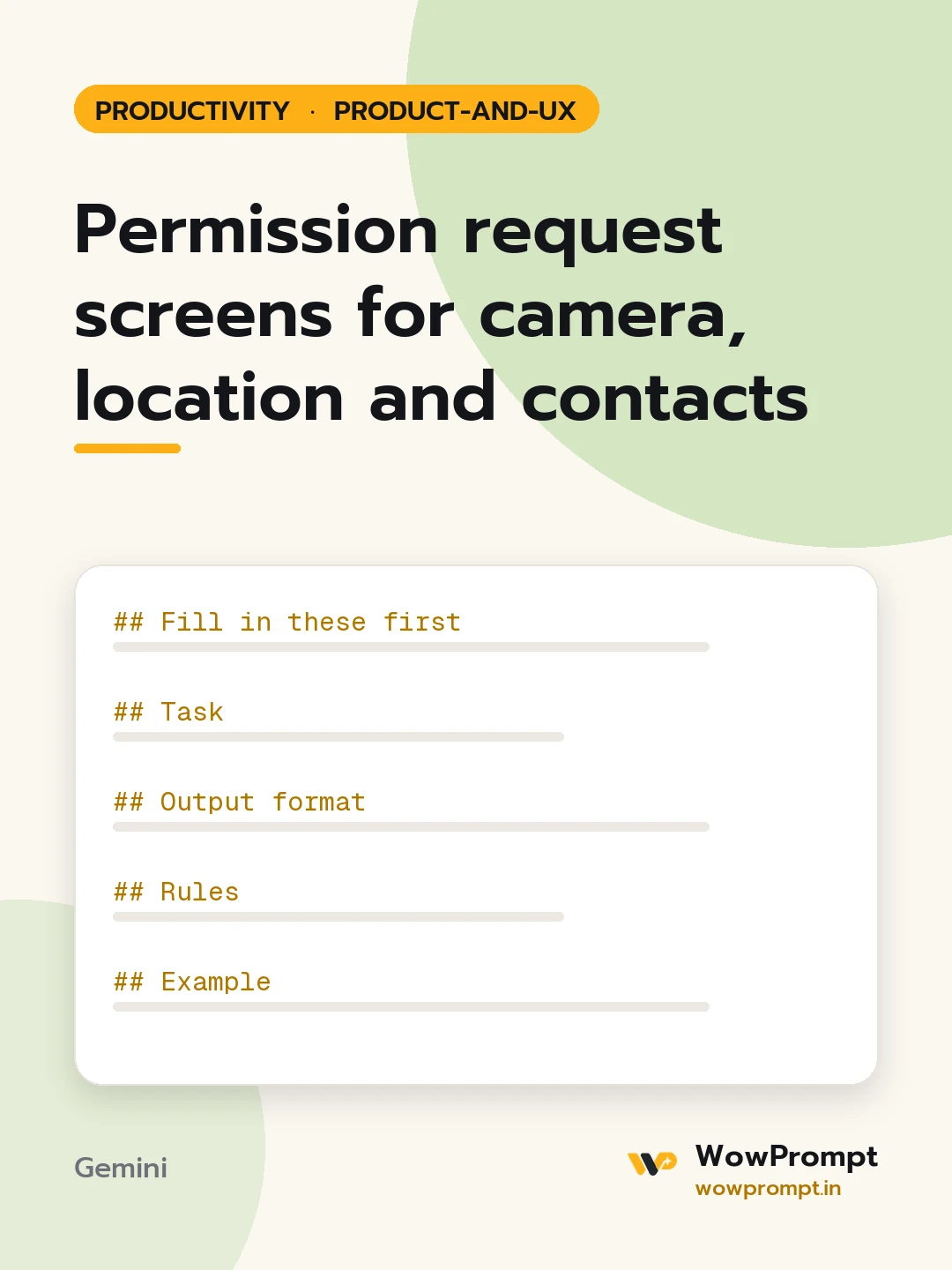
Fill in these first
- App and platform: [e.g. food delivery app on Android and iOS]
- Permissions the app requests: [e.g. location, camera, contacts, notifications, microphone]
- Feature that needs each one: [e.g. location for delivery address, camera to scan a card]
- Where each is asked today: [e.g. all at first launch]
- Denial rate per permission, if known: [numbers or unknown]
Task
Ask for each permission only when the user is about to use the feature that needs it, explain why in plain words first, and keep the app usable when the answer is no.
Output format
- | Permission | Feature | Ask at this moment | Required or optional | Fallback if denied |
- For each permission, an explainer screen: a title under 40 characters, one line of body under 120 characters on what the user gains, a primary button such as "Allow location" and a secondary "Not now".
- The denied flow: what the screen shows, how the user can enter the information by hand, and how a later tap opens settings with one sentence explaining how to switch it on.
- A short list of permissions the app could drop or replace, such as a manual address field instead of precise location.
Rules
- Never ask for more than one permission on the same screen.
- Show the explainer only when the system dialog will actually appear; skip it if access is already granted or permanently denied.
- Ask for approximate location when precise location is not needed.
- The "Not now" choice must never block the rest of the app.
- Copy names the benefit to the user, not the company's need.
Example
Title: Find restaurants near you. Body: We use your location only to show places that deliver to you. Buttons: Allow location / Enter address instead




