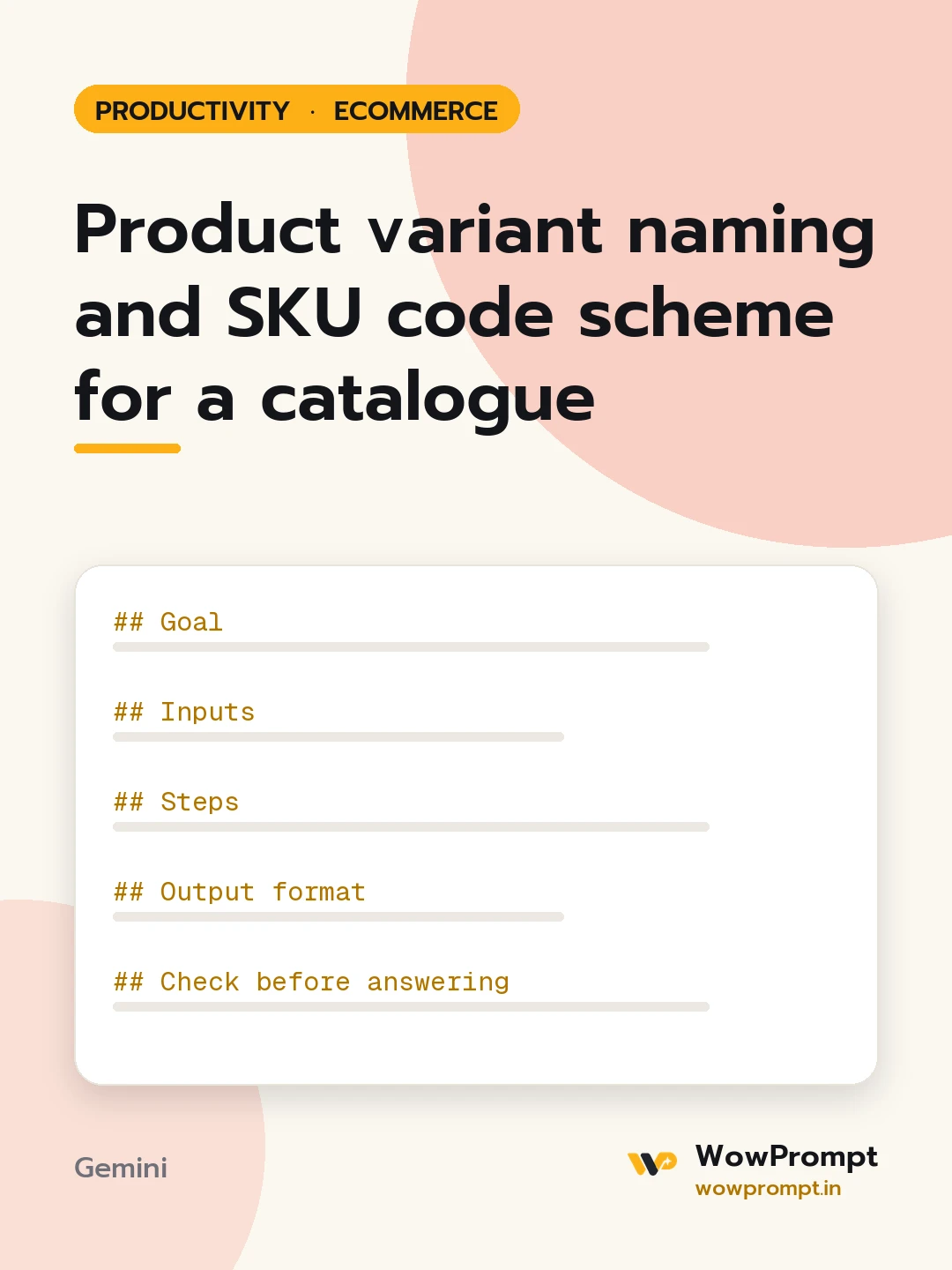
Goal
Create one SKU and variant naming scheme that stays readable, unique and stable as the catalogue grows.
Inputs
- What the store sells: [e.g. cotton kurtas and dupattas]
- Variant attributes in use: [e.g. colour, size, fabric, pack size]
- Products and variants to code: [paste product names with their variants]
- Sales channels: [own website, Amazon, Flipkart, Meesho, offline]
- Existing codes to keep, if any: [paste or none]
Steps
- Choose three to five segments, such as category, style number, colour and size, in a fixed order.
- Set a short code list for each segment, using letters and numbers only.
- Write variant naming rules for titles, such as attribute order and how colours and sizes are written.
- Apply the scheme to every product and variant in the input.
- Note how to add a new colour, size or product without breaking the pattern.
Output format
- SKU pattern, for example CAT-STYLE-CLR-SZ, with a table: | Segment | Meaning | Length | Code list |
- Variant naming rules as a numbered list.
- Applied table: | Product | Variant | SKU | Variant name |
- Three lines on extending the scheme.
Check before answering
- Every SKU in the applied table is unique.
- No SKU uses spaces, slashes or characters that confuse spreadsheets, such as leading zeros that can drop.
- Codes do not encode price or anything that changes over time.
- Every SKU stays under 20 characters, so it fits common marketplace fields.




