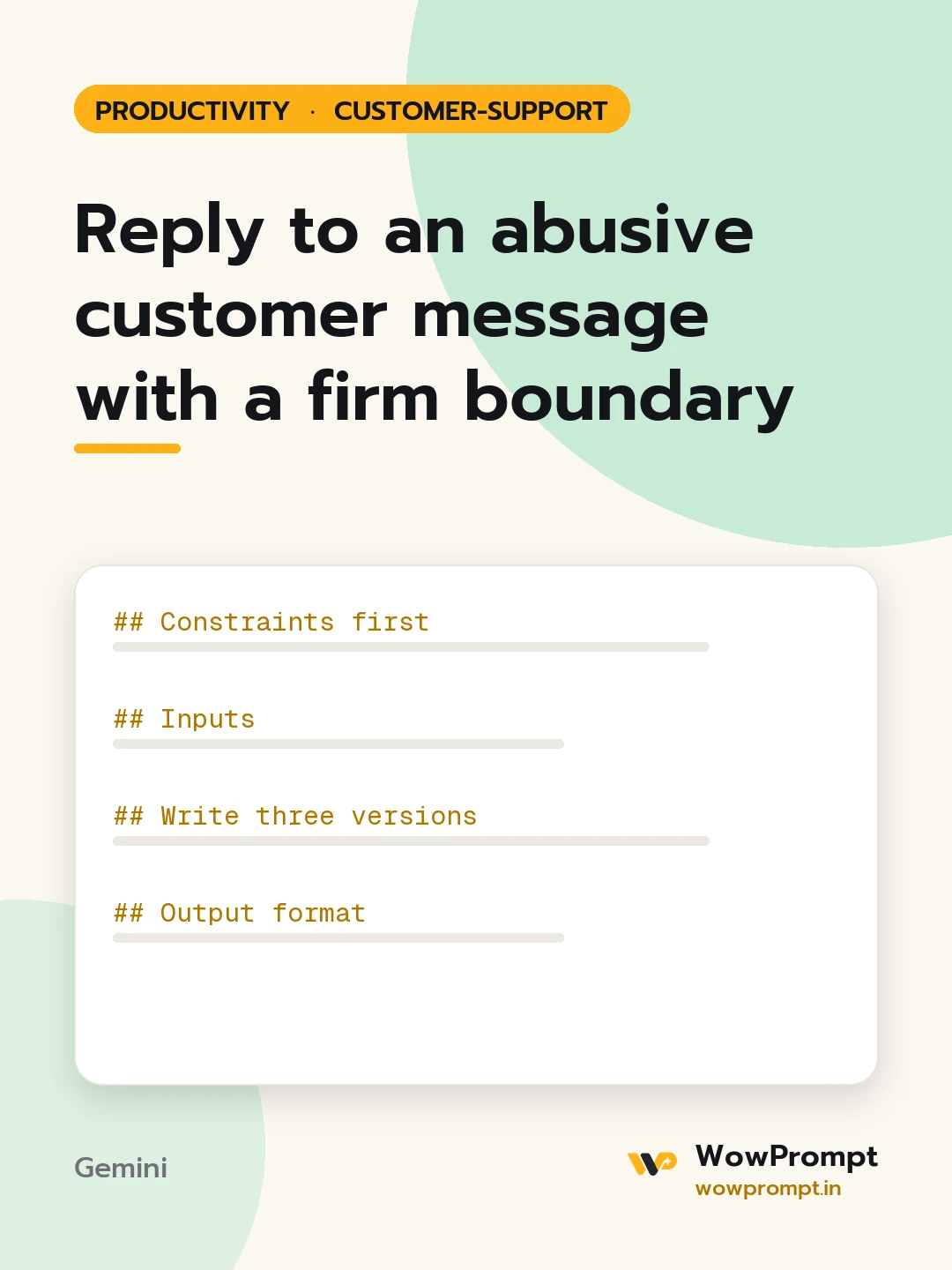
Reply to an abusive customer message with a firm boundary
Writes a reply to a customer who uses insults, slurs or threats against an agent, separates the real problem from the abuse, keeps helping with the issue, and states clearly what language the team will not accept. Use it for support teams that need a consistent, respectful line that protects agents without abandoning the customer.
The output this prompt produced, unedited.
The prompt
Constraints first
Do not repeat or quote the abusive words back to the customer.
Do not argue, threaten, or match their tone; stay brief and neutral.
Keep solving the real problem in the same message if it is clear.
Any threat of physical harm is escalated to the team lead at once and noted word for word internally.
Inputs
Customer message: [paste]
The underlying issue, if one can be found: [e.g. a refund two weeks late]
What we can do about it now: [paste]
Company policy on abusive contact: [e.g. one warning, then the chat is closed and the case moves to email]
Channel: [chat, email, phone follow-up, or social DM]
Write three versions
First reply: acknowledge the problem, give the next step, then one sentence setting the boundary.
Final warning: restate the boundary and what will happen if it continues.
Closing message: explain the conversation is ending here, where the case continues, and how they can reach us.
Output format
The three messages, each under 120 words.
A short internal note: summary of the issue, the abusive content flagged, and whether escalation is needed.
Copy the prompt and paste it into Gemini, then set the aspect ratio to 3:4. No reference photo is needed for this one.
The prompt is written in Markdown with each part under its own heading, which is what the copy action hands over. Change one section at a time, keeping the rest intact, so you can tell which change did the work.