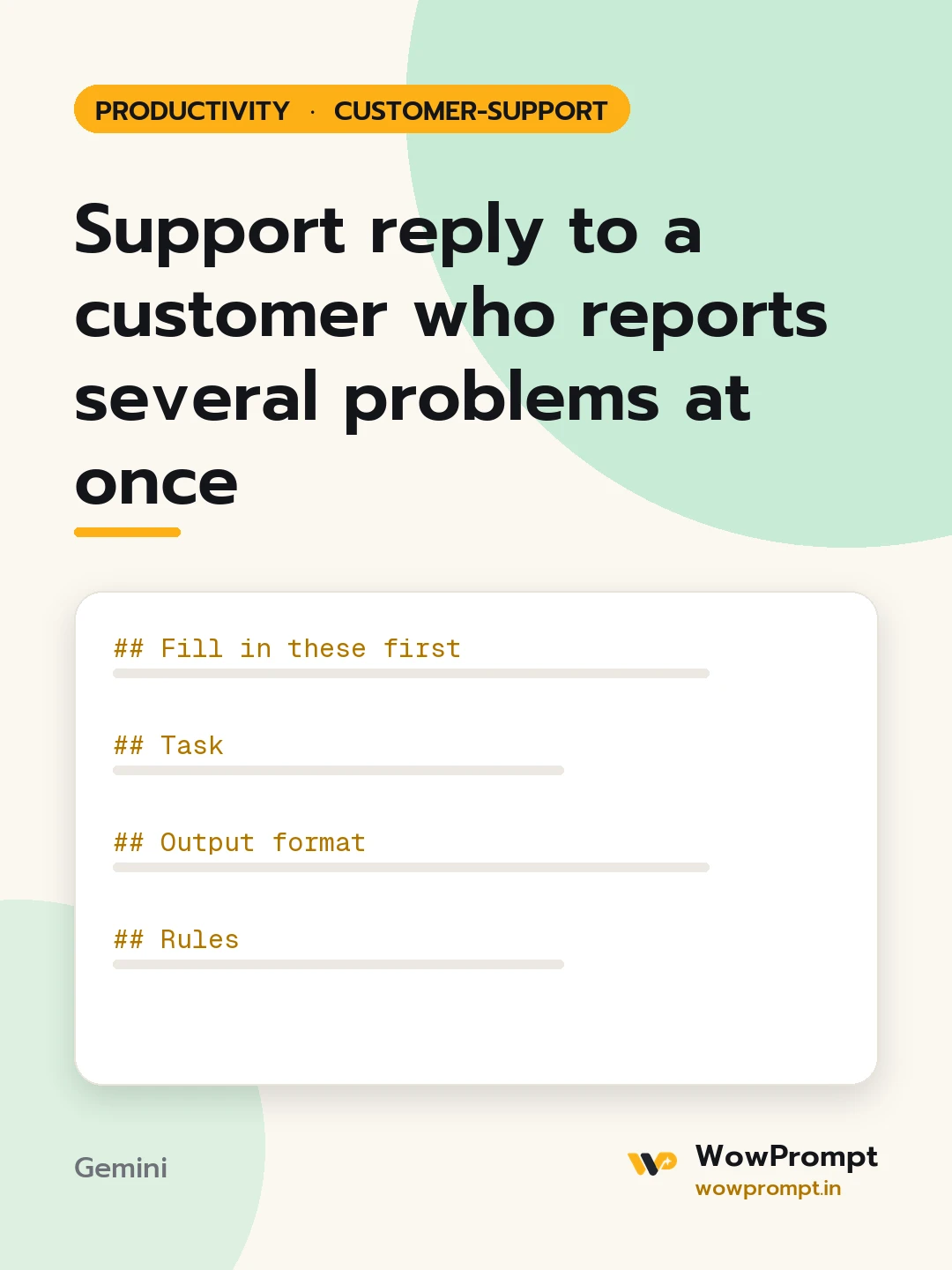
Fill in these first
- The customer's full message: [paste it]
- Order, account or ticket details: [order number, plan, dates]
- What you can confirm from your systems: [facts for each issue, e.g. refund issued on 12 October, parcel in transit]
- Issues you cannot solve yourself: [and which team handles them]
- Response time promise for open items: [e.g. within 2 working days]
Task
Find every separate issue in the message, then answer them one by one in a single reply.
Output format
- Issue list: | No. | Issue in the customer's words | Status (solved, in progress, needs info) | Answer or next step |
- The reply email:
- One opening line that acknowledges the number of issues raised.
- A numbered section per issue with a short bold label, matching the issue list.
- A final section listing what the customer needs to send, if anything.
- A closing line with when they will hear back on open items.
- A two-line ticket summary for the next agent.
Rules
- Answer only with facts from the systems section. Mark anything unconfirmed as "checking" rather than guessing.
- Do not merge two issues to save space; the customer must see each one was heard.
- Keep each issue section under 50 words.
- If the message contains a safety or legal concern, flag it at the top of the issue list.




