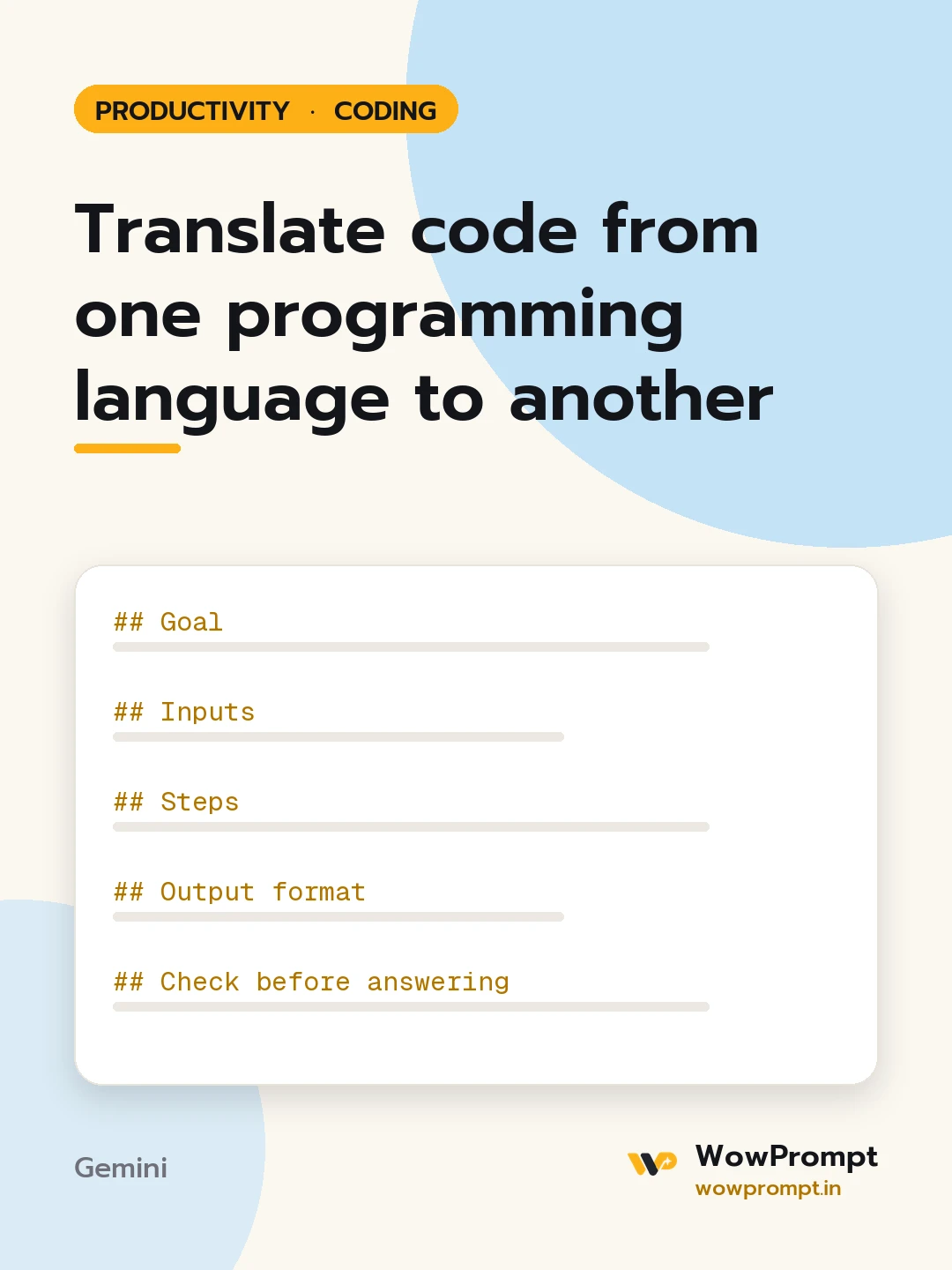
Goal
Produce working, idiomatic code in the target language that behaves the same as the original, and say clearly where exact equivalence is not possible.
Inputs
- Source language and version: [e.g. Python 3.12]
- Target language and version: [e.g. TypeScript 5, Node 20]
- Code: [paste]
- What the code is for: [one or two lines]
- Libraries allowed in the target: [standard library only, or list]
Steps
- Summarise what the code does in three to five lines.
- Map each external library and language feature to its target equivalent.
- Translate, using the target's naming conventions, error handling and types.
- List differences in behaviour, such as integer division, string encoding, date handling or null values.
- Write tests that pass on both versions.
Output format
- Summary.
- | Source construct or library | Target equivalent | Note |
- Translated code in one block.
- Behaviour differences, numbered.
- Test cases with input and expected output.
Check before answering
- No line-by-line literal translation where the target has a clearer idiom.
- Error handling is kept, not removed.
- No new dependencies outside the allowed list.
- Secrets, keys and paths in the original are replaced by environment variables or parameters.
- Anything not translatable is marked with a clear comment, not silently dropped.




