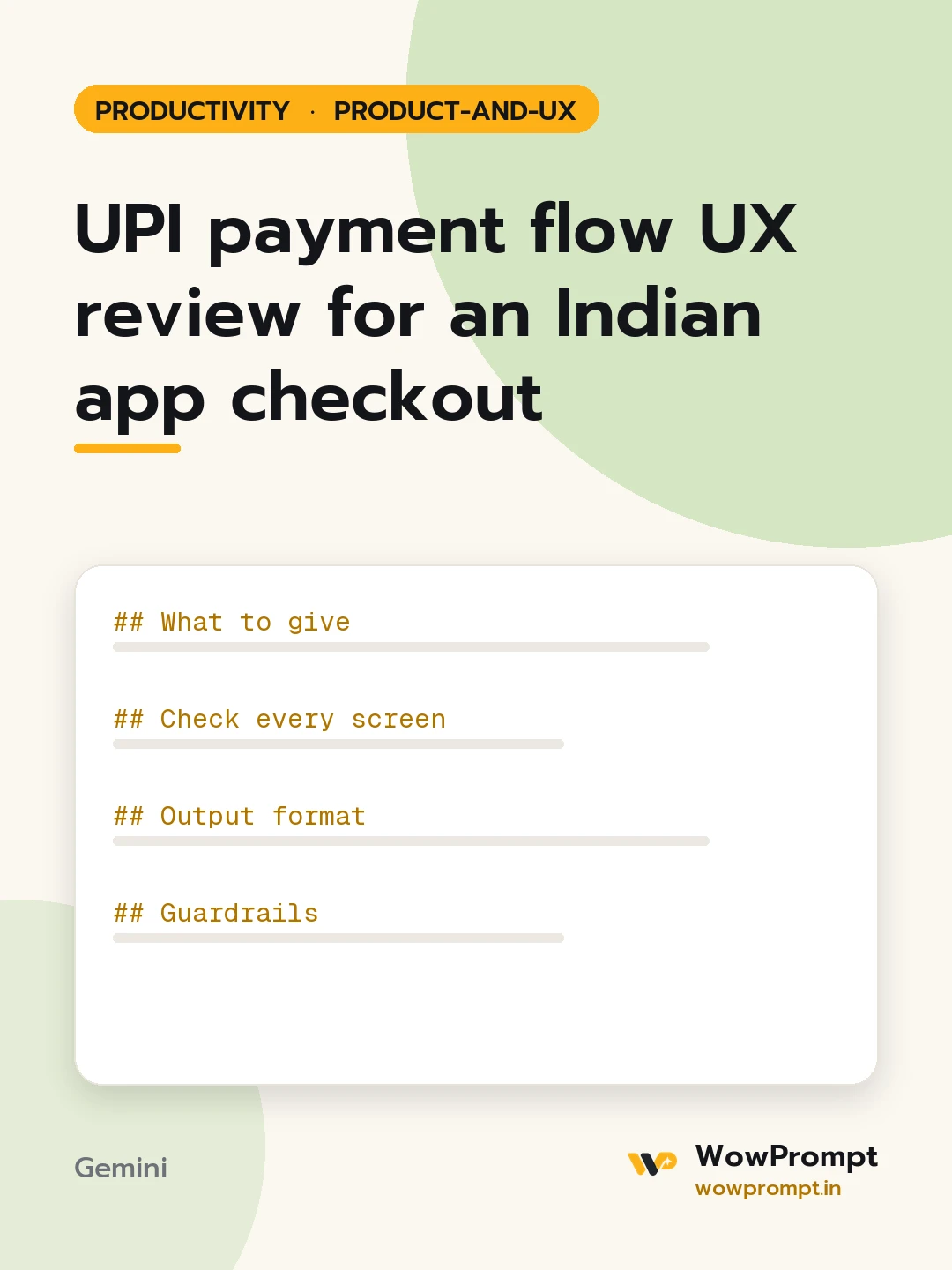
UPI payment flow UX review for an Indian app checkout
Reviews the UPI step of a checkout screen by screen: app selection, collect requests, QR on desktop, pending states, timeouts, failures and refunds, and returns fixes that cut drop-off at payment. Use it for any Indian app or store where buyers abandon at the payment step.
The output this prompt produced, unedited.
The prompt
What to give
Product and platform: [e.g. a food delivery app on Android and a desktop website]
Screens in the payment step, described or pasted as text: [paste, in order]
Payment methods offered: [e.g. UPI intent, UPI ID entry, QR code, cards, cash on delivery]
Drop-off or failure numbers at payment, if known: [paste, or none]
Common support complaints about payment: [paste, e.g. money debited but order not placed]
Check every screen
The UPI apps installed on the phone are offered first, with the last one used on top.
A UPI ID entry field validates the format before the request is sent.
Desktop users get a QR code with a visible countdown.
The pending screen says what to do in the UPI app and how long to wait.
A timeout or failure screen says whether money was taken and offers a retry.
A debited-but-failed payment shows the refund timeline in plain words.
Nothing on the screen can be tapped twice to send a second request.
Output format
| Screen | Check | Pass or fail | What the user sees now | Fix |
New copy for the pending, failed and refund screens.
Fixes ordered by likely effect on completed payments.
Guardrails
Never state bank or network rules as fact; mark them to confirm with the payment provider.
Copy the prompt and paste it into Gemini, then set the aspect ratio to 3:4. No reference photo is needed for this one.
The prompt is written in Markdown with each part under its own heading, which is what the copy action hands over. Change one section at a time, keeping the rest intact, so you can tell which change did the work.