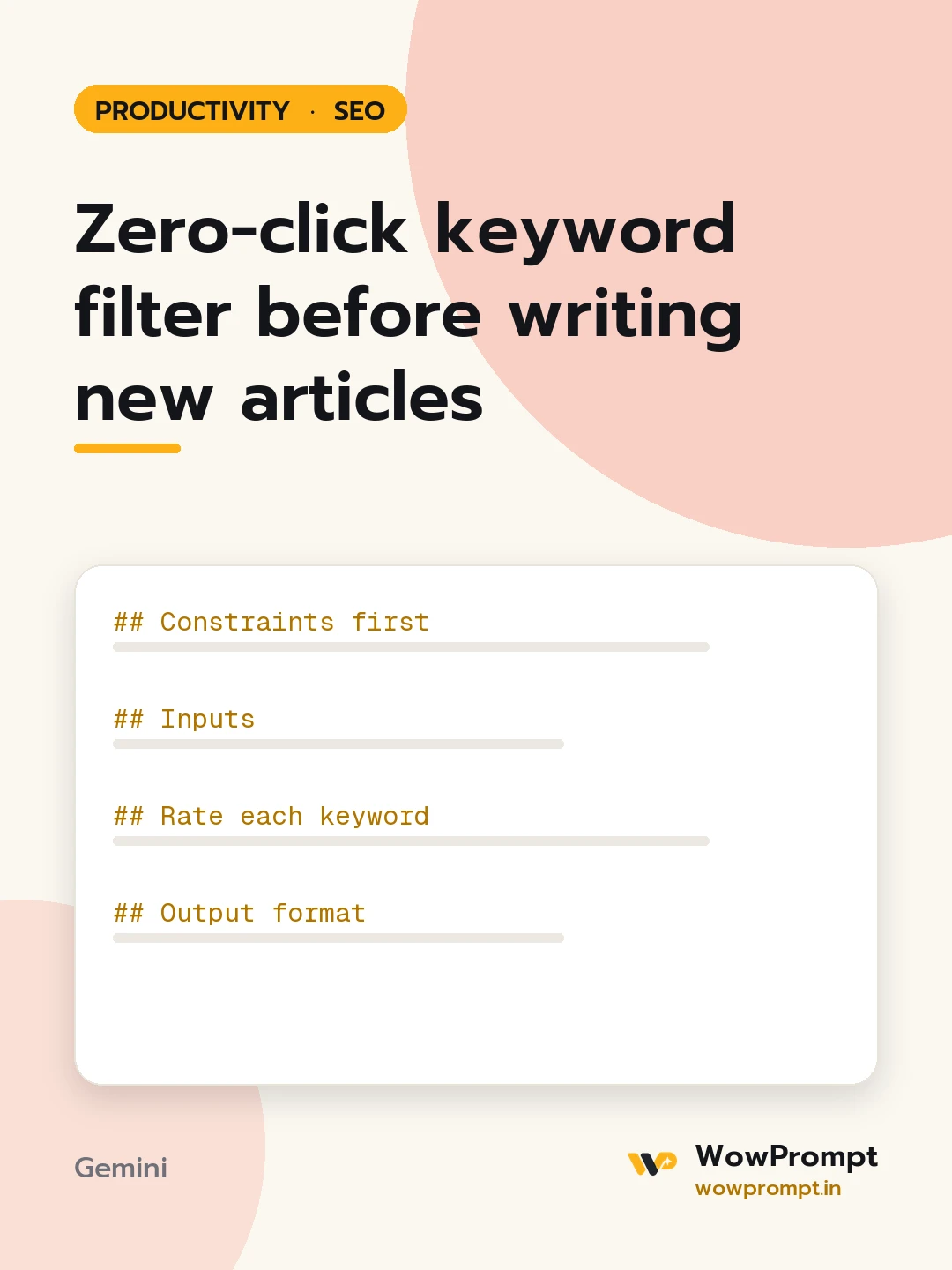
Zero-click keyword filter before writing new articles
Screens a list of planned keywords for searches that the results page already answers on its own, such as quick facts, conversions, definitions and weather, and keeps only those where a visitor still needs to click. Use it before committing writers to a content plan, so effort goes to topics that can bring visits.
The output this prompt produced, unedited.
The prompt
Constraints first
Judge click chance from the searcher's need, not from volume alone.
A keyword is dropped only when the full answer fits in one line on the results page.
Never invent volumes or click rates; use only figures pasted, and mark the rest as unknown.
Suggest a deeper angle before dropping a topic with business value.
Inputs
Planned keywords: [paste, e.g. 100 usd to inr, what is gst, how to register gst online]
Volumes and current positions, if known: [paste, or none]
Business goal of the content: [e.g. leads for a tax filing service]
Results page notes for any keywords you checked: [e.g. calculator box at the top, or none]
Rate each keyword
Answer type: fact, definition, conversion, list, process, comparison, or opinion.
Can the answer be shown in full above the results: yes, partly, or no.
Does the searcher need steps, tools, judgement or local detail that only a page can give.
Output format
| Keyword | Answer type | Click chance: high, medium or low | Decision: keep, change angle, or drop | Reason |
For each "change angle" keyword, a new working title that needs a click.
The final keep list, in priority order for the business goal.
zero click searcheskeyword selectioncontent planning seoserp featuresclick potentialkeyword prioritisation
How to run this
Copy the prompt and paste it into Gemini, then set the aspect ratio to 3:4. No reference photo is needed for this one.
The prompt is written in Markdown with each part under its own heading, which is what the copy action hands over. Change one section at a time, keeping the rest intact, so you can tell which change did the work.