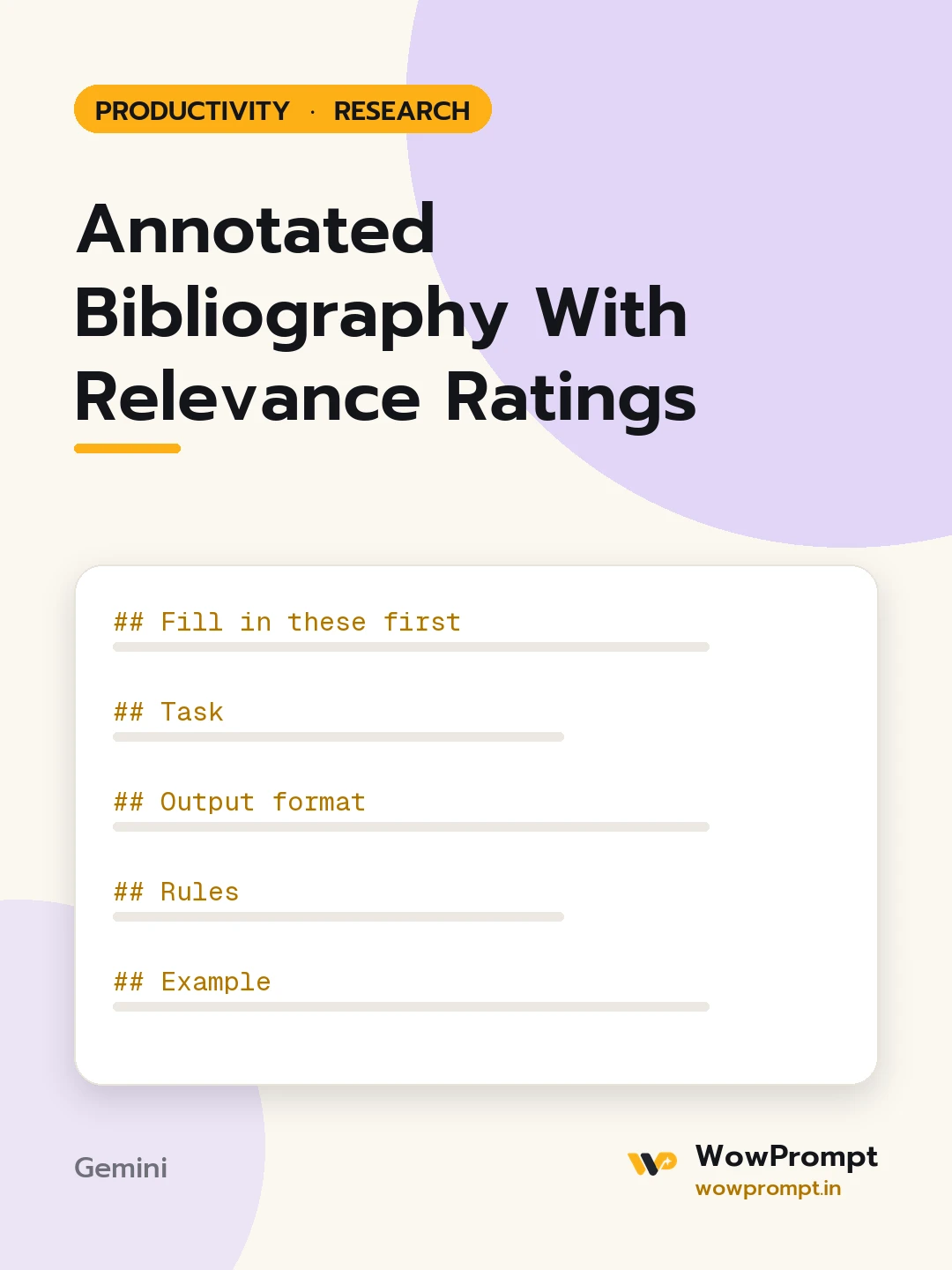
Fill in these first
- Research topic or question: [topic]
- Citation style: [APA 7, MLA 9, Harvard, Chicago]
- Sources: [for each, paste the full reference details and the abstract or your own notes]
- Purpose of the work: [thesis chapter, report, grant proposal, class assignment]
- Word limit per annotation: [e.g. 120 to 150 words]
Task
Write an annotated bibliography using only the sources and notes given.
Output format
For each source, in alphabetical order by first author:
- Citation in the chosen style.
- Summary: what the source argues or finds, in two or three sentences.
- Method: study type, sample or data, and setting, in one sentence.
- Strengths and limits: one of each.
- Relevance: High, Medium or Low, with one sentence on how it serves the research question.
Then:
- Theme map: | Theme | Sources that address it |
- Gaps: two to four questions the sources do not answer.
Rules
- Use only the information supplied. If the notes do not mention a method or sample, write "Not stated in notes".
- Never add a source, author, year, page number or DOI that was not given.
- Mark any citation element that is missing with [missing: element].
- Keep the annotation's voice neutral; separate your evaluation clearly from the author's claims.
Example
Relevance: High. Provides the only India-based sample on the question and supports the argument in Section 2.




