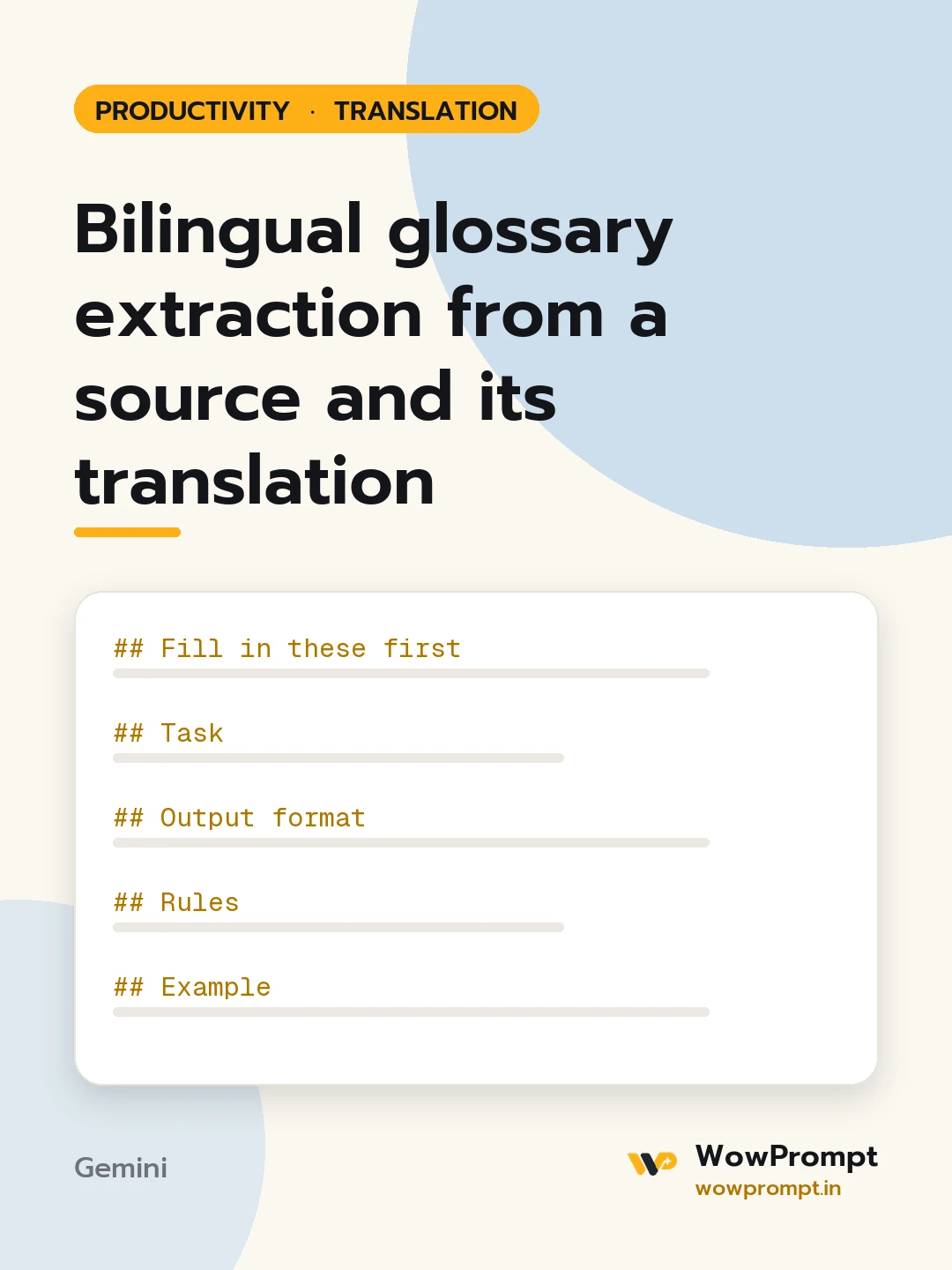
Fill in these first
- Language pair: [e.g. English to Spanish]
- Subject area: [e.g. health insurance, solar equipment, school admissions]
- Source text: [paste]
- Existing translation: [paste]
- Terms already approved, if any: [paste or none]
Task
Extract the terms a translator must keep consistent and record how they were translated.
Output format
- Glossary:
| Source term | Translation used | Part of speech | Context (short phrase from the source) | Note |
- Inconsistent terms: any source term translated in more than one way, with each version and where it appears, and a suggested single choice.
- Do-not-translate list: brand names, product codes and terms left in the source language.
Rules
- Include product names, technical terms, legal or policy terms, units and repeated phrases; skip everyday words.
- Take translations only from the text given; if a term was left out of the translation, mark it "not translated".
- Where an approved term exists, flag any place the translation differs from it.
- Keep each term in its base form, such as singular nouns and plain verbs.
Example
| claim settlement | liquidación de siniestros | noun | "claim settlement ratio" | used 6 times, consistent |




