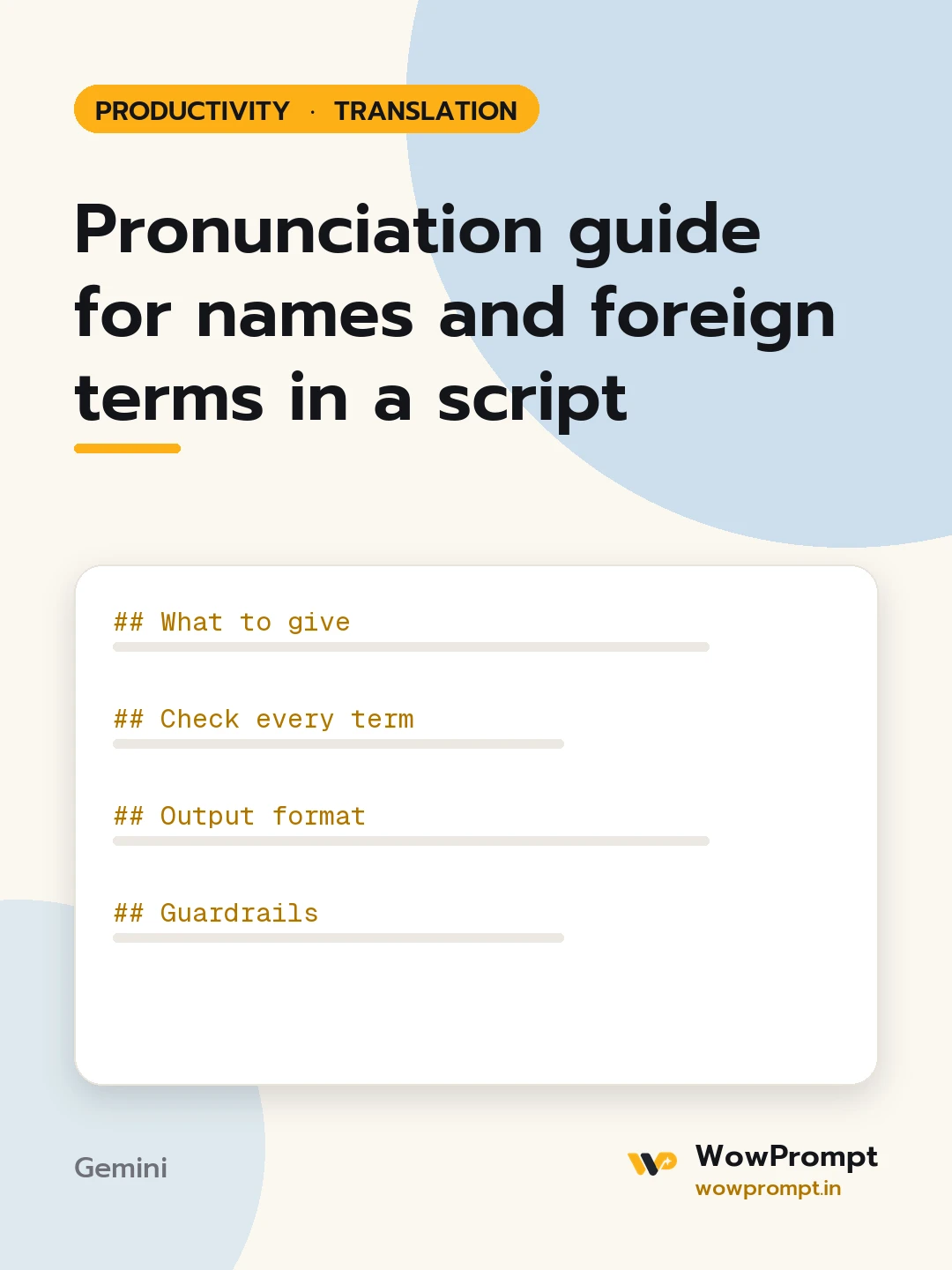
Pronunciation guide for names and foreign terms in a script
Builds a pronunciation sheet for a presenter, voice artist, teacher or text-to-speech system: every name, place, brand and foreign term in a script, with a simple sound-it-out spelling, the stressed syllable and a note on common mistakes. Use it before recording a video, podcast, audiobook, training course or event announcement.
The output this prompt produced, unedited.
The prompt
What to give
Script: [paste]
Who will read it: [e.g. an English-speaking voice artist, or a text-to-speech voice]
Audience and region: [e.g. viewers in India and the UK]
Names with a known preferred pronunciation: [e.g. a speaker's own note on how they say their name]
Text-to-speech tool, if any, and whether it accepts phonetic hints: [e.g. supports SSML phoneme tags, or plain text only]
Check every term
Every person name, place, brand, acronym and non-English word in the script is listed once.
The sound-it-out spelling uses everyday English letter sounds, with syllables split by hyphens and the stressed one in capitals.
IPA is added for reviewers, kept separate from the simple spelling.
Acronyms say whether they are read as letters or as a word.
A person's own stated pronunciation always wins over the standard one.
Any term with more than one accepted pronunciation shows both and says which fits the audience.
Output format
| Term | Sound it out | Stress | IPA | Origin | Common mistake |
The script with each listed term marked the first time it appears, such as [see 4].
For text-to-speech: a respelled version of the hard terms the tool can read, or SSML hints if the tool accepts them.
Three terms to confirm with the people named before recording.
Guardrails
Never guess a living person's name pronunciation as certain; mark it [confirm] unless their own note is given.
Do not change the script's wording.
pronunciation guidename pronunciationvoiceover script prepphonetic spellingtext to speech pronunciationpresenter notes
How to run this
Copy the prompt and paste it into Gemini, then set the aspect ratio to 3:4. No reference photo is needed for this one.
The prompt is written in Markdown with each part under its own heading, which is what the copy action hands over. Change one section at a time, keeping the rest intact, so you can tell which change did the work.