ChatGPT photo editing prompts that keep your face and look real
Copy-ready ChatGPT photo editing prompts for portraits, couples, posters and retro looks, plus the three lines that stop ChatGPT changing your face.
A ChatGPT photo editing prompt works when it tells the model three things clearly: keep this face exactly, change these specific things, and finish it like a real camera would. Most prompts that circulate as "trending" skip the first part, so ChatGPT redraws your face into someone who looks like a cousin. The prompts below are written to avoid that, and every one of them works with a selfie you upload in the same message.
How ChatGPT edits a photo
When you attach a photo and ask for an edit, ChatGPT does not paint over your picture the way an app filter does. It looks at the photo, builds its own understanding of it, and generates a new image. That is why results can drift: the jawline softens, the eyes change shape, the skin turns smooth and plastic. The model is not being careless. It is filling in what it was not told to keep.
So the single most useful habit is an identity line at the top of every prompt. We explain the reasoning in detail in using a reference photo without losing the face, but the short version is this:
The person in the attached photo is the subject. Keep their face exactly as it is: bone structure, eye shape and spacing, nose, lips, jawline, hairline, skin tone and apparent age all unchanged. Only the clothing, pose, setting and light come from this prompt.Put that first, then describe the picture you want.
The three lines that make an edit look real
After the identity line, three more instructions do most of the work.
Name the light, not the mood. "Golden-hour backlight with a warm rim on the hair" gives ChatGPT something to render. "Beautiful lighting" gives it nothing.
Name a lens. An 85mm lens at f/1.8 means a flattering portrait with a soft background. A 35mm lens means more of the place is in the story. ChatGPT understands these and composes accordingly.
Ask for real skin. End with "real skin texture with visible pores, fine film grain" and add "airbrushed skin, plastic skin, waxy face" to the things to avoid. This one line removes most of the AI look.
If you want the full method behind this order, read how to write an AI image prompt that actually works.
Copy-ready ChatGPT photo editing prompts
Each prompt below starts after the identity line. Paste the identity line, then the prompt, then attach your photo.
1. Golden hour rooftop portrait
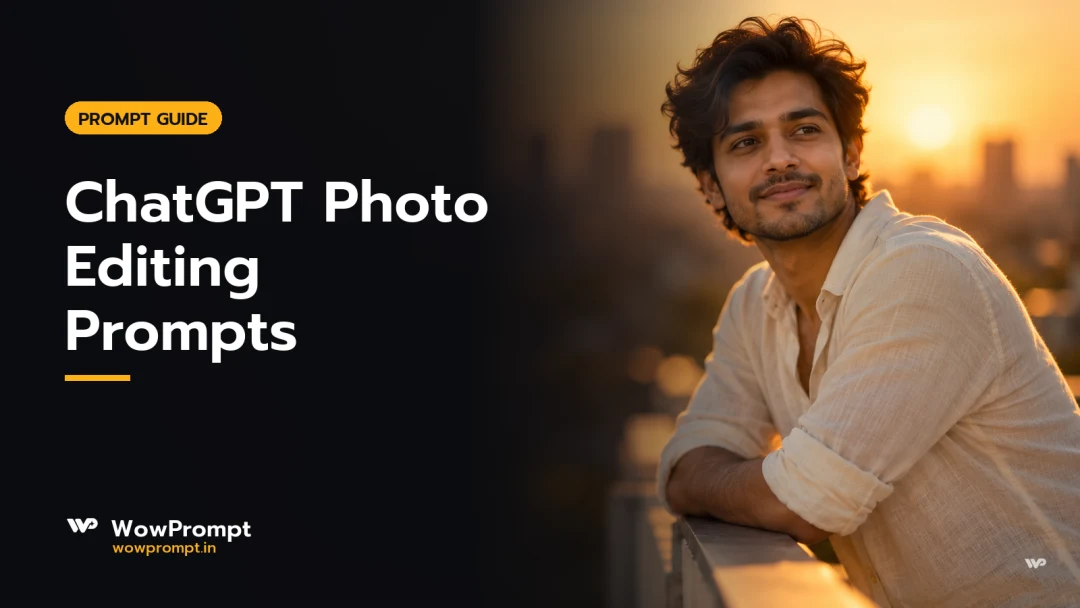
Waist-up portrait on a city rooftop at sunset, leaning on a painted iron railing, a relaxed look past the camera. A cream linen shirt with the sleeves rolled once. Low golden sun behind as a rim along the hair and shoulders, warm bounce on the face. 85mm lens at f/1.8, the skyline melting into warm bokeh. Warm golden tones, real skin texture with visible pores, fine grain.
Avoid: airbrushed skin, plastic skin, changed face, text, watermark.
Aspect ratio 4:5.
For a finished version with a sample picture, see the rooftop portrait in a khadi kurta.
2. Black and white studio portrait
Seated on a low wooden stool against a plaster wall with trowel marks, forearms on the knees, a calm steady gaze into the lens. An oversized charcoal blazer over a plain tank. A soft key from one side, a thin rim on the far shoulder. 85mm at f/1.8, framed from the knees up. Pure black and white with deep contrast and fine grain.
Avoid: colour, sepia, flat light, plastic skin, changed face.
Aspect ratio 2:3.
The whole black and white collection uses this lighting pattern, including the blazer portrait on a studio stool.
3. Magazine cover with your name
A magazine cover photo. Standing between tall library shelves, a soft half smile into the lens. "HEIRLOOM" runs across the top in large cream serif capitals, the top of the head just overlapping it. "[Your name]" sits small in the lower left, never over the face. Window light through dusty air behind, warm lamps deeper in the room. 50mm at f/1.4.
Avoid: misspelled text, extra words, barcode, changed face.
Aspect ratio 2:3.
ChatGPT is unusually good at spelling short text, which is why covers and posters work well with it. Keep the words few and put them in quotes. See the Paithani saree magazine cover and the Folio author cover for two finished examples.
4. 1990s film still
A frame from a 1990s film: laughing mid-step down a grand hotel corridor of cream marble and brass, the jacket swinging open. Warm wall sconces, polished reflections. 35mm lens at f/2, framed from the knees up. Slight 1990s softness, fine film grain, gentle halation on the lamps.
Avoid: smartphones, LED strips, digital sharpness, changed face.
Aspect ratio 4:5.
More looks like this live in vintage and retro, for example the velvet bandhgala film still.
5. Festival portrait in a real weave
Seated on a low stool, hands loosely joined, a calm gaze into the lens. A maroon Baluchari silk saree with its woven pallu over one arm, gold jhumkas, a small red bindi. A clay dhunuchi beside her sends incense smoke past her shoulder, the face clear of the smoke. Soft key from one side, thin rim from behind. 85mm at f/1.8. Warm cinematic grade, rich blacks.
Avoid: printed saree, smoke across the face, flat light, changed face.
Aspect ratio 9:16.
Naming the weave is what makes festival edits look real. Our festival portrait guide explains why, and the dhunuchi smoke portrait shows the result.
6. Couple edit from two photos
The two people in the attached photos are the subjects; keep both faces exactly as they are. They stand close on a seaside promenade at blue hour, her head near his shoulder, both with a slight smile toward the sky. Last warm light on their faces, the promenade lamps behind in soft bokeh. Medium-format look, 80mm lens, framed from the knees up.
Avoid: third person, changed faces, flash, crowd.
Aspect ratio 9:16.
We go deeper on two-person edits in couple photo editing prompts.
When ChatGPT still changes the face
Even with a good prompt, a face can drift. Three fixes, in order:
- Send a clearer photo. Front-facing, even light, no sunglasses, face filling at least a fifth of the frame. A blurry group crop gives the model very little to hold on to.
- Ask for a correction in the same chat. "Keep everything, but make the face match the attached photo exactly" usually works better than starting again, because the composition is already right.
- Simplify the change. Asking for a new outfit, a new place, a new pose and a new art style at once gives the model more reasons to redraw everything. Change two things, not five.
Choosing the right shape
Always end with an aspect ratio. A portrait at 4:5 suits an Instagram feed, 9:16 suits stories and reels, and 2:3 suits a printed poster. The shape changes the composition, not just the crop, which we explain in which aspect ratio to use.
Free and paid ChatGPT plans
Photo editing works on the free ChatGPT plan, but the number of images you can make in a day is small and changes from time to time. Paid plans allow more images and queue them faster. The prompts above work the same way on every plan; only the daily count differs. For a fuller comparison of what free tiers allow across image tools, see free vs paid AI image tools.
Frequently asked questions
What is the best ChatGPT prompt for photo editing?
The best one starts with an identity line that tells ChatGPT to keep your face exactly, then describes one look: the outfit, the place, the light, the lens and the finish. Any of the six prompts above follows that pattern and can be copied as it is.
Why does ChatGPT change my face when I edit a photo?
ChatGPT generates a new image rather than painting over yours, so anything you do not ask it to keep can change. An explicit identity line, a clear front-facing photo and fewer changes per request keep the face much closer to the original.
Can I use these ChatGPT photo editing prompts in Gemini?
Yes. The structure works in Gemini too. Gemini tends to follow short, direct sentences more closely, so you can trim the prompt a little. Our guide to writing a prompt for Gemini shows the differences.
Can ChatGPT add text like my name to a photo?
Yes, and it spells short text well. Put each line in quotes, keep it to a few words, and say where it sits and that it must not cover the face.
Which aspect ratio should I ask for?
Use 4:5 for an Instagram post, 9:16 for stories, reels and WhatsApp status, and 2:3 for a printable portrait. Always write the ratio at the end of the prompt.
Where to find more
Every prompt in the image prompt library is written the same way: identity first, one look, real light, real skin, and a sample picture made from the prompt itself. If you are looking for something specific, start with portraits, editorial and fashion or traditional wear. The same prompts also work in Gemini, and our guide to writing a prompt for Gemini covers the small differences.
Related guides
Taking a picture with the whole family? Our ChatGPT family photo prompts give you a fill-in template and 12 ready prompts, each shown with the picture it made.
- Instagram lookbook AI photo prompts: overhead collages of one person in several outfits and poses, for ChatGPT and Gemini.